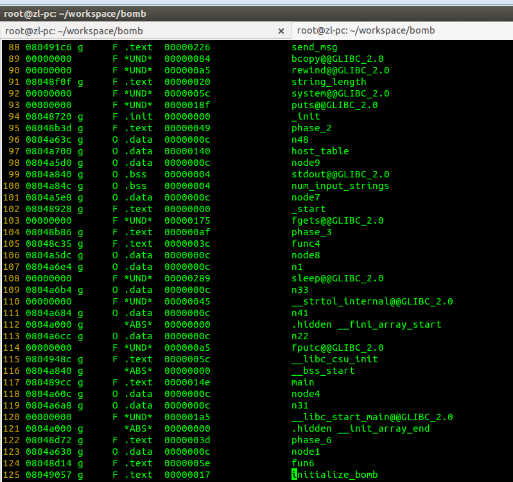
Browser Extension Reverse Engineering: A Guide

This article introduces four parts: basic concepts, reverse engineering knowledge and tools, the basic reverse engineering workflow, and practical reverse engineering. It concludes with the author's thoughts on reverse engineering and anti-reverse engineering.
教程

浏览器扩展逆向指北

本文从基本概念、逆向知识与工具、逆向基本流程和逆向实战四个部分来进行介绍。文末还分享了笔者对的逆向与反逆向的思考。

教程

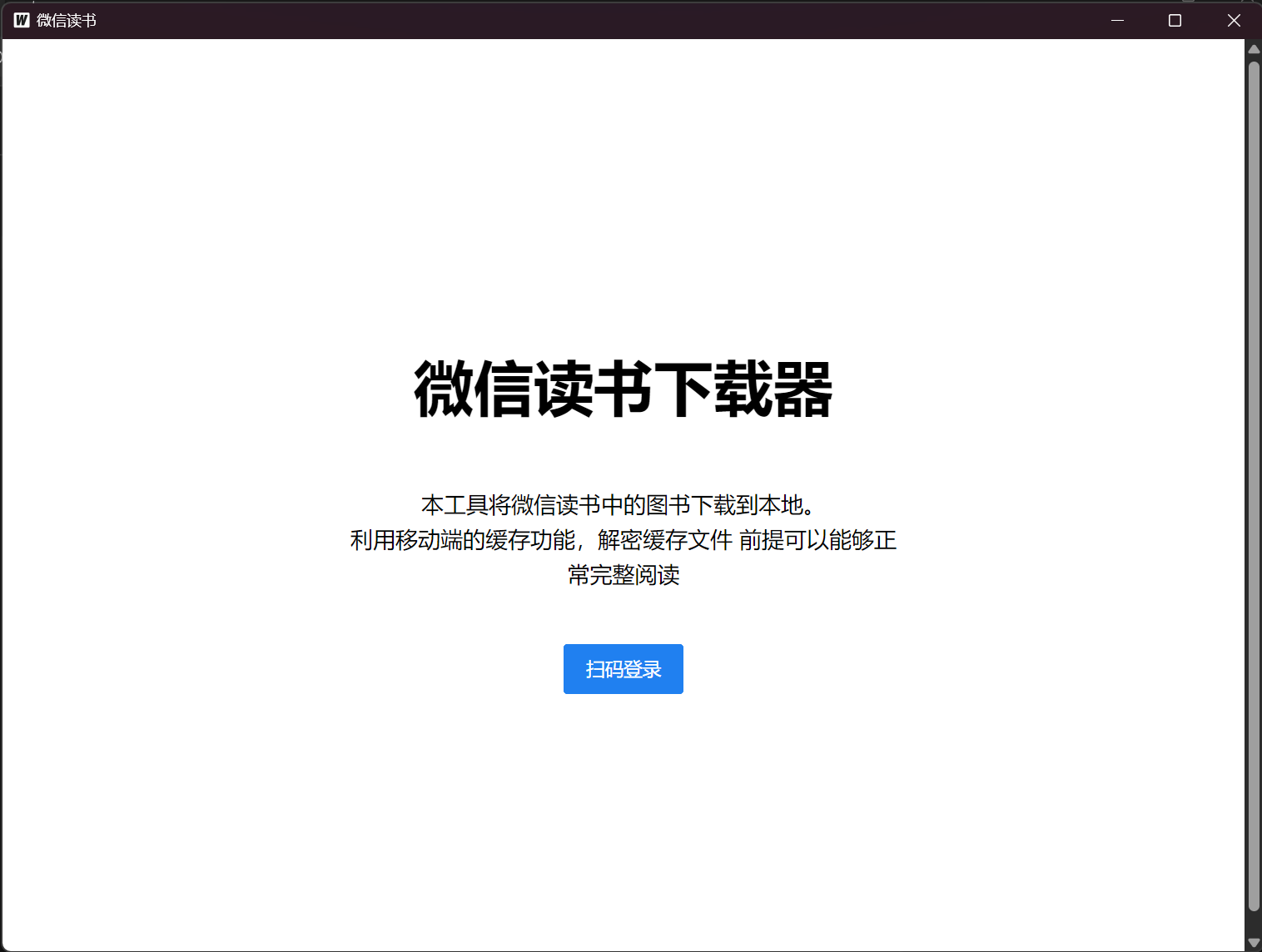
Downloading Purchased Books from WeChat Reading

This article presents a method to download books from WeChat Reading by leveraging its caching feature, allowing users to save books they have access to and convert them to formats like PDF.

教程 / 资源

微信读书已购图书下载

本文介绍了一种下载微信读书图书的方式,利用微信读书的缓存功能,能够下载用户有阅读权限的书籍,并且可以转换为PDF等格式。

教程 / 资源

Replace Esc with CapsLock for Vim in VSCode on Windows

Learn how to use AutoHotkey to remap CapsLock to Esc, giving you a comfortable escape key in Vim mode within VSCode—and eliminating the CapsLock toggle annoyance.

教程

Windows下 Vim for VSCode 使用大小写切换键 CapsLock 代替 Esc

使用AutoHotkey,将CapsLock键映射为Esc键,实现VSCode中Vim模式下的键位替换,同时避免每次切换大小写状态的问题

教程

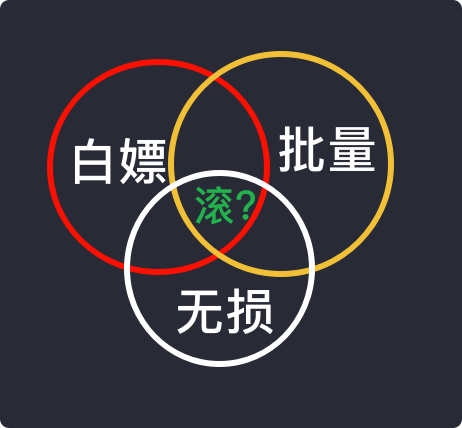
Free Batch Download of Lossless High-Quality Music: A Step-by-Step Guide

Learn how to transfer your playlists to Qobuz using Tune My Music and batch download lossless tracks with streamrip—achieving top-tier audio quality for free.

教程 / 资源

免费批量下载无损高音质音乐教程

通过Tune My Music工具将歌单导入Qobuz,再使用streamrip工具批量下载无损音质的歌曲,满足音质需求和免费获取资源的目标。

教程 / 资源

Fixing Bluetooth Crashes and Device Discovery Issues in Windows 11

After a system update, the Bluetooth panel became unresponsive and crashed. Setting the Device Association Service startup type to 'Automatic' resolves the issue.

教程

解决Windows 11下蓝牙“闪退”、搜不到设备问题

博主在一次系统更新后,蓝牙面板无反应且“闪退”。将 Device Association Service 的启动类型设为“自动”即可解决问题。

教程