Introduction
This article introduces a method for downloading books from WeRead (WeChat Reading), leveraging WeRead’s caching feature to download books the user has reading access to, and convert them to PDF and other formats.
Note: This software does not include any membership-cracking functionality. The author of this blog post is not the creator of this software; the resource comes from the internet. All risks associated with using this software are not the responsibility of this blogger, including but not limited to potential account suspension risks.
Tutorial
Download
Lanzou Cloud
https://wwrd.lanzouv.com/i1zj02a4imbi
Baidu Netdisk
Link: https://pan.baidu.com/s/1CJYdGNDF9-X7nCYP4Zxjzg?pwd=ecw3 Extraction code: ecw3
Extract
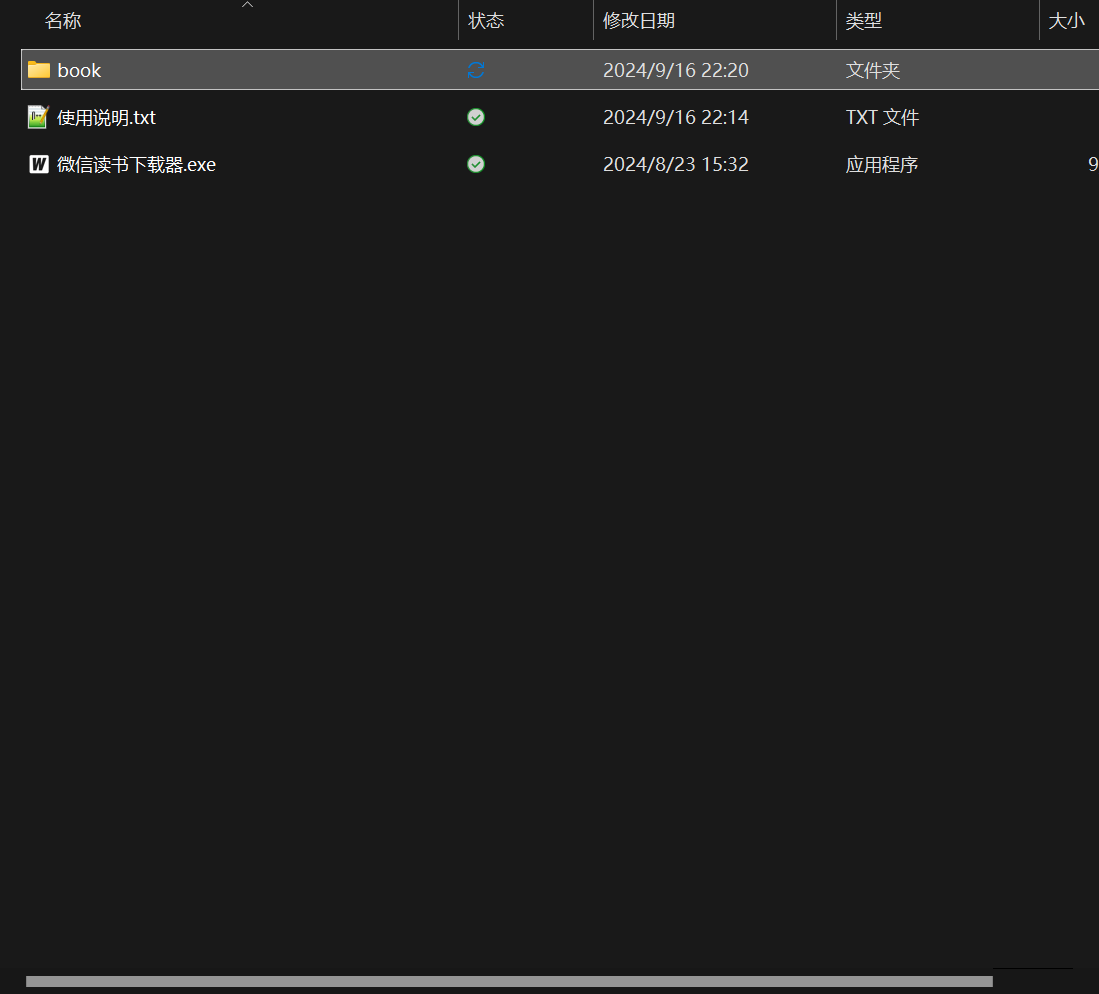
First, extract the archive to a suitable location, then double-click 微信读书下载器.exe to launch the software.
Log in to WeRead
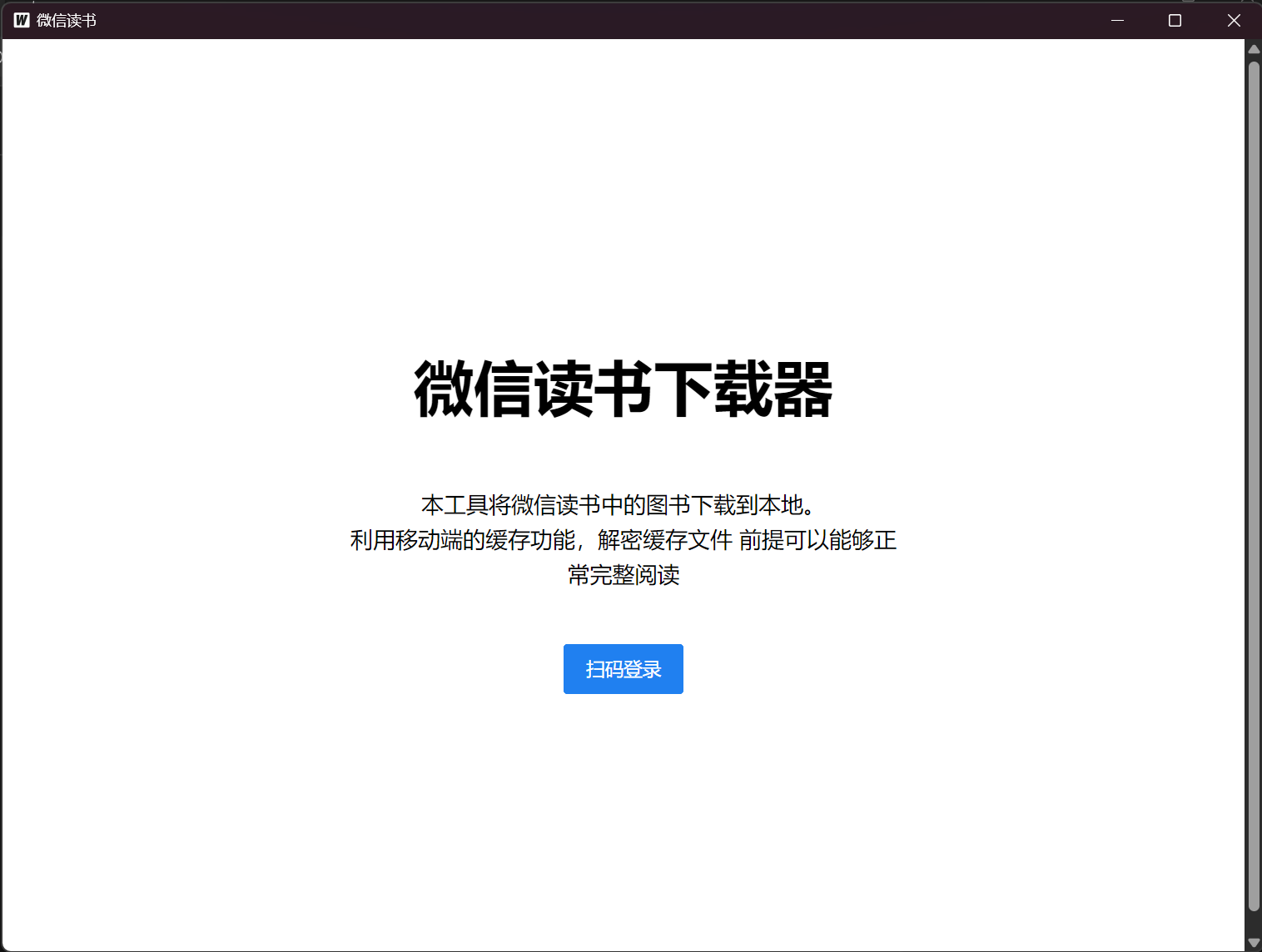
After opening the software, click “Scan to Log In,” then click “Get Login QR Code,” and scan the QR code with WeChat to log in.
Add to Bookshelf
Add the books you want to download to your bookshelf in the WeRead mobile app, then refresh the software page and click the corresponding book to download it.
Get the eBook
Open the HTML file located in the software folder under book->一串数字->下载的书目->看这里, and open the file in a browser.
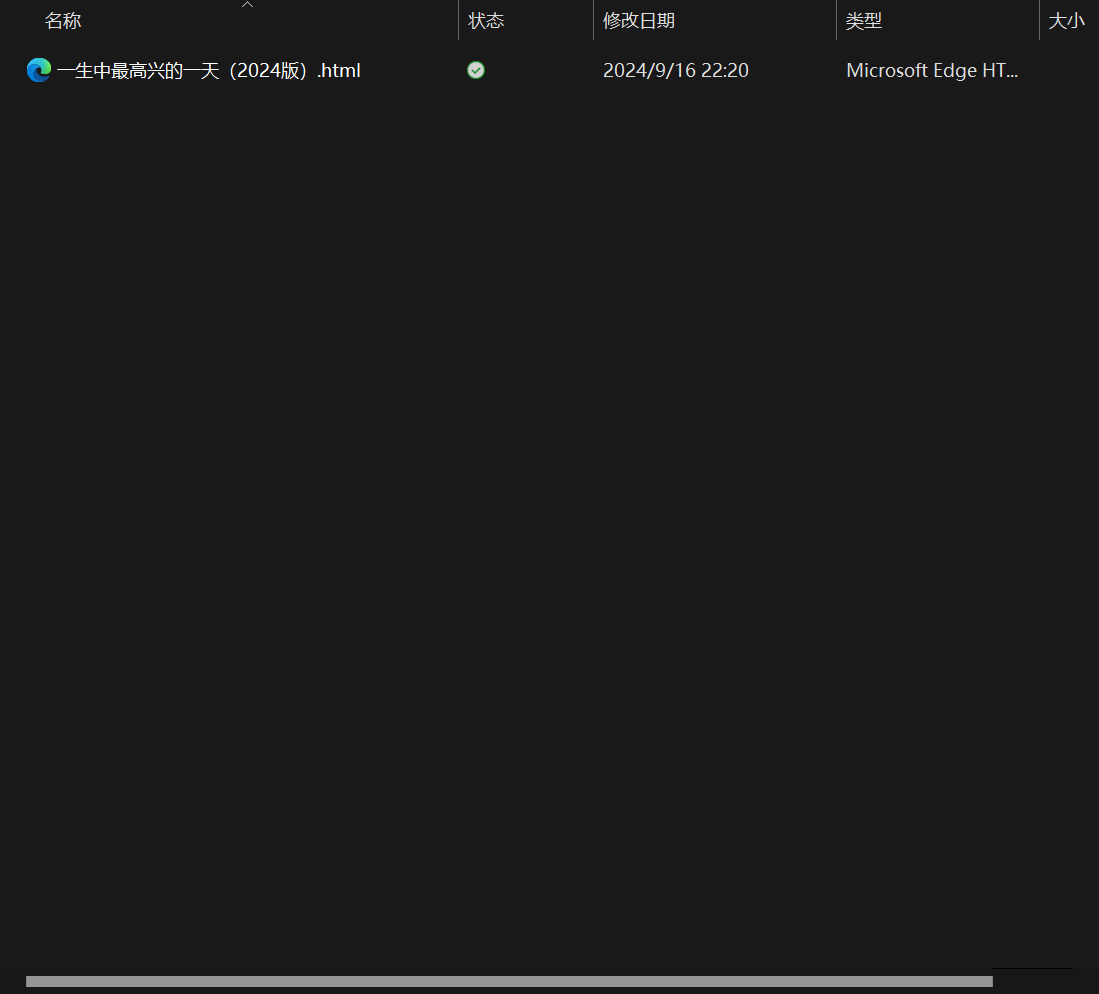
Once opened in the browser, press Ctrl + P, select “Save as PDF,” then choose a save location to download the PDF.

The exported PDF can be read locally or imported into apps like WeRead for free, permanent reading.
eBook Format Conversion
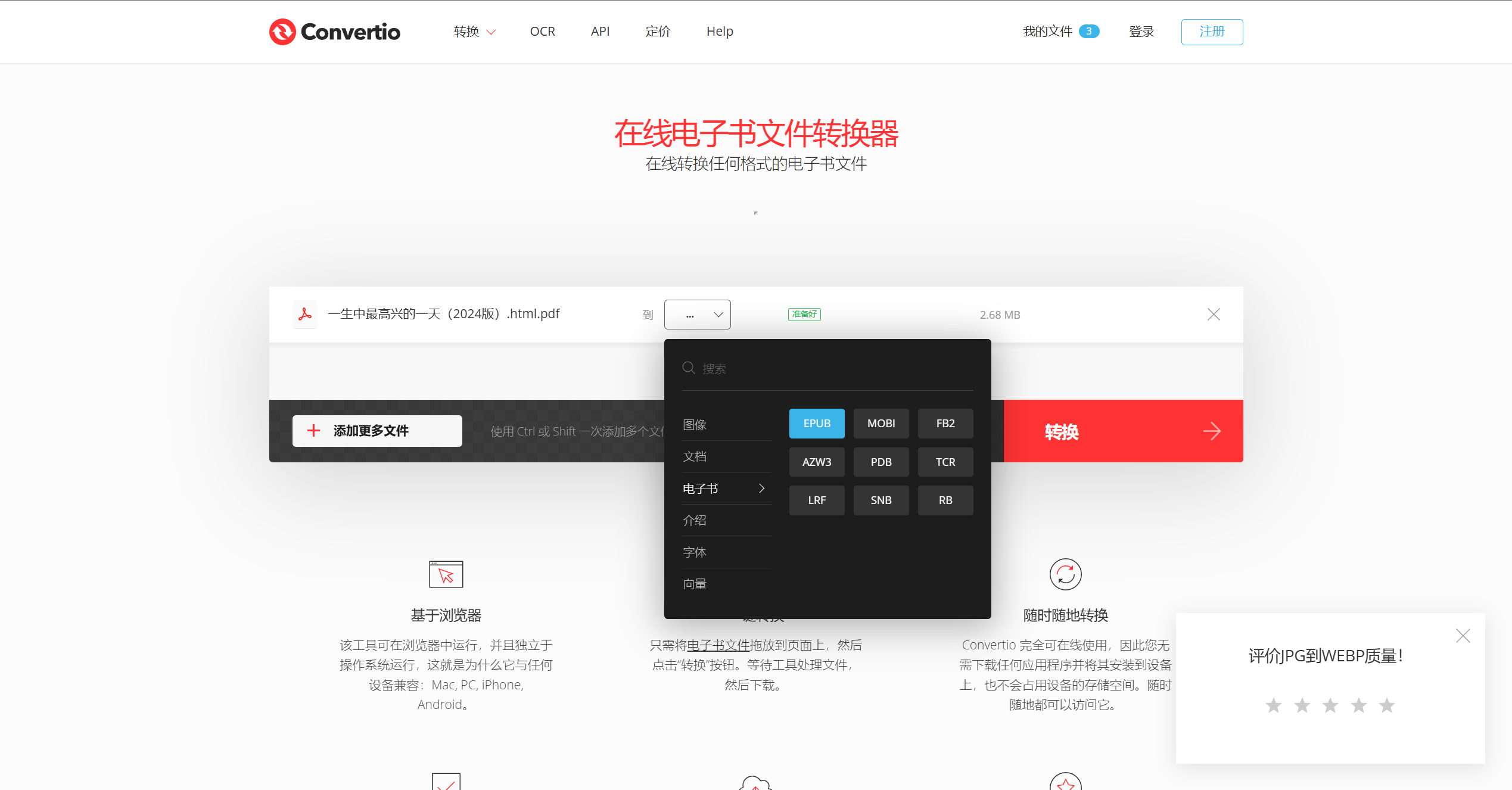
If you need to convert to other eBook formats, you can use the website https://convertio.co/zh/ebook-converter/ to convert. Upload your PDF file, select your desired format, and the conversion is free.