Preface
This is the 3rd issue of Seeking Weekly.
Sources
IceBeer: Thoughts on Indie Development and the Internet
🍺 IceBeer - 👋 Sharing my thoughts on indie development and the internet
Submitted by @Ivone. Written for programmers/product managers or UX designers, it shares thoughts and reflections on building products independently, hoping to bring readers some help and fresh perspectives.
Time Economic Observer: Independent Observations on Macroeconomics, Public Policy, and Financial Markets
Time Economic Observer – Telegram
You can also subscribe to its RSS via RSSHub.
Resources
TGwiki: Telegram Knowledge Base

TGwiki is a rich Telegram knowledge base, including documentation on common features, accounts, and more, helping users use Telegram more effectively.
Tools
tabout: Use Tab to Jump Out of Brackets, Quotes, and More
TabOut is a simple VSCode plugin that improves the coding experience. As its name suggests, it lets you use the Tab key to jump out of brackets, quotes, slashes, and other code blocks, and it also supports custom matching characters.
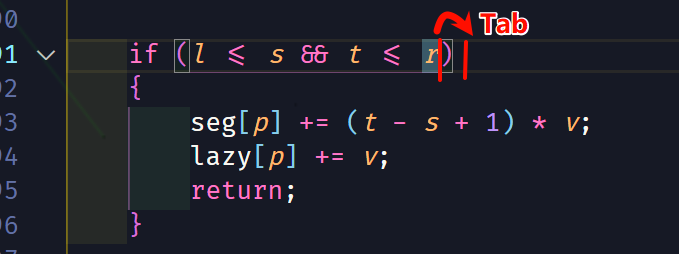
Why does this improve efficiency? The reasoning is simple.
When writing code, we often need to type a lot of brackets and quotes. Modern IDEs usually auto-complete the closing bracket when you type an opening one. After finishing the content inside, the most straightforward way is to use the arrow keys to move past the closing bracket, but that requires moving your right hand a long distance (for example, pressing the right arrow key with your pinky).
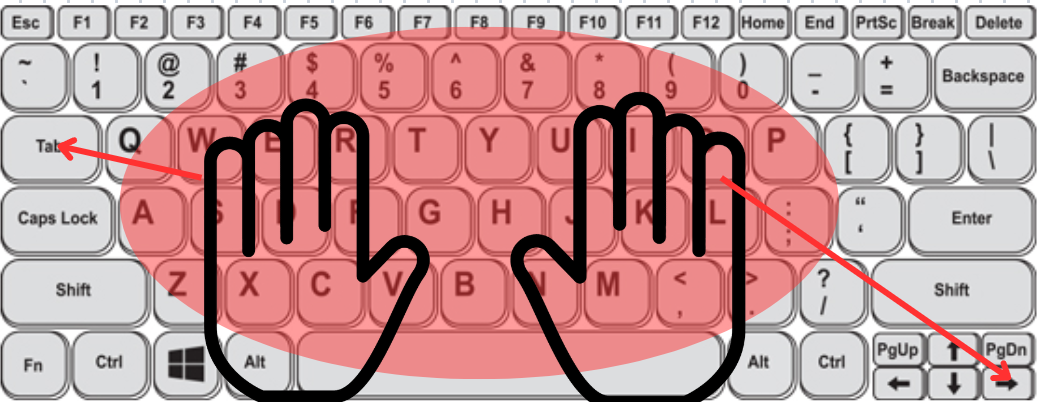
There is also a compromise: manually typing another closing bracket, but that requires pressing Shift and takes extra time. By switching to the Tab key, you can jump out with a single press for any exit operation, which feels great. Of course, it takes some time to get used to, and whether to use it is entirely up to the reader.
Nilesoft Shell: Customize and Beautify the Windows Context Menu
Nilesoft Shell is a free, open-source software for customizing and beautifying the Windows right-click context menu.
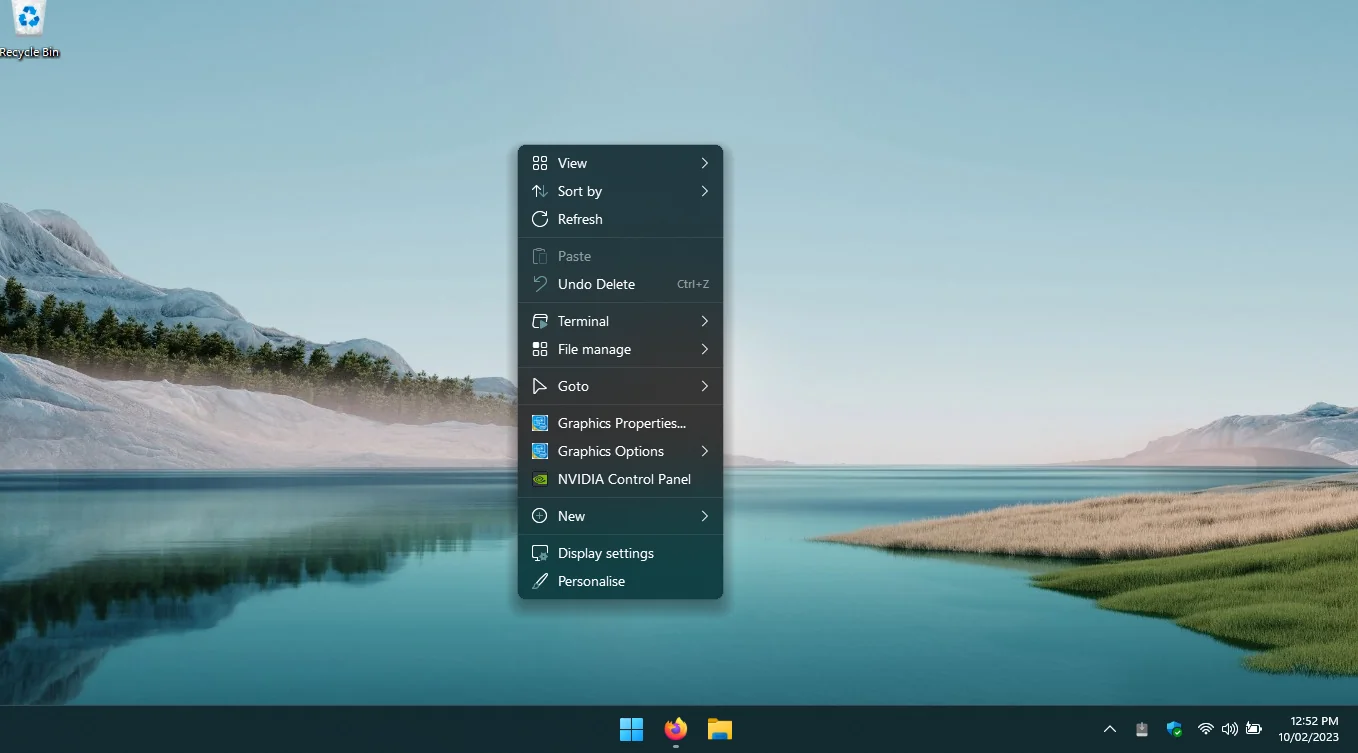
It supports custom skins and more. Below is a Dracula-style skin I wrote.
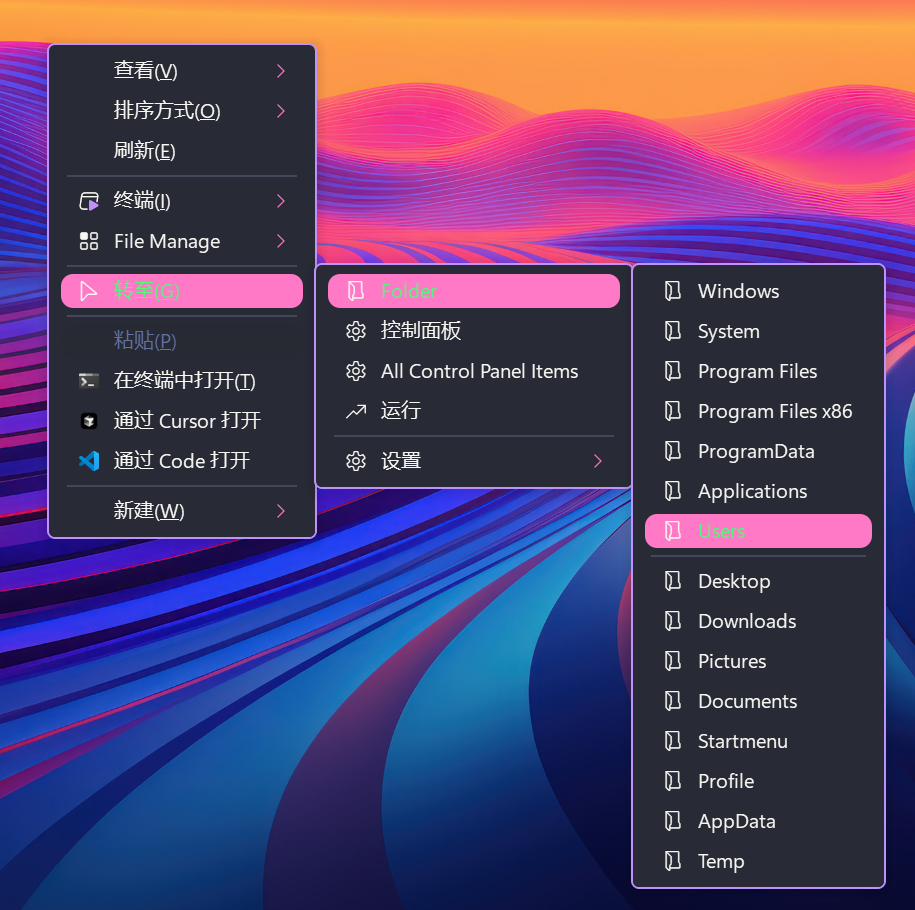
The software has many other features; see the official website for details.
SponsorBlock Series: Save Time Watching Videos with Crowdsourcing
Below is an introduction to crowdsourcing. Readers who aren’t interested can skip ahead.
Crowdsourcing is a distributed problem-solving and production model. Problems are broadcast via open tenders to a group of unknown solution providers. The difference between crowdsourcing and open source is that open source is a cooperative activity voluntarily initiated and carried out by members of the public, whereas crowdsourcing activities are proposed by a client and carried out on an individual or group basis.
SponsorBlock is a well-known YouTube enhancement plugin. It automatically skips segments marked by users (such as boring intros, outros, paid promotions, etc.), saving you time.

These segments are marked voluntarily by its users. This model is crowdsourcing. In theory, the more users participate, the better the experience for every user.
Currently, 13,033,165 users have submitted 13,214,226 skip segments, saving a total of 5,364 years and 182.59 days of time.
The project itself and its data are open source, which has also helped software like YouTube Revanced, which integrates this feature into modified app clients.
Recently, a netizen created a plugin for Bilibili, ported from the original plugin. If you’re interested, give it a try.
chsrc: A Cross-Platform Universal Mirror Source Switcher and Framework
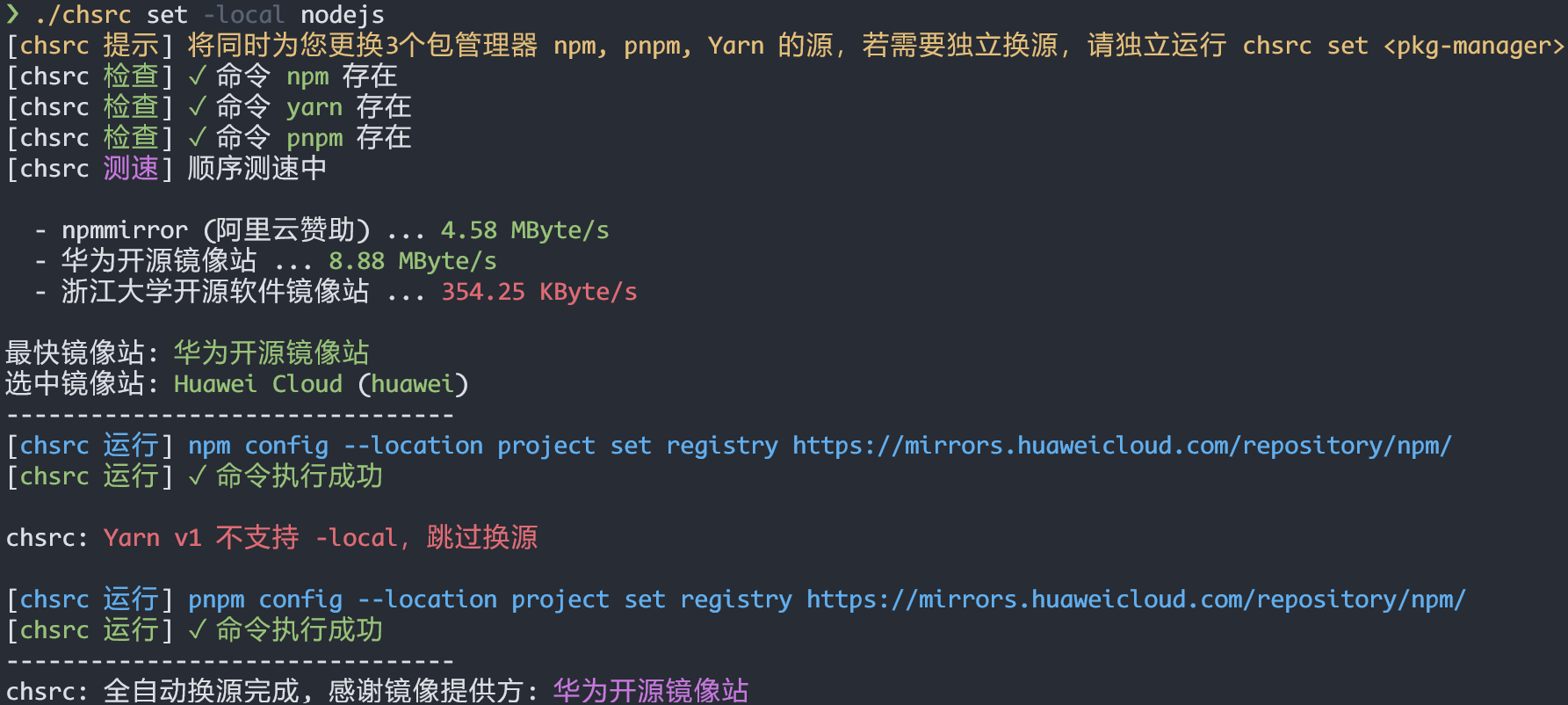
chsrc is an open-source, easy-to-use, cross-platform universal tool and framework for switching mirror sources.
Developers in China are certainly familiar with the concept of “switching sources” (换源). For various reasons, accessing some software package download sources can be slow, so some platforms (such as universities and enterprises) provide faster mirror sources. However, the experience with these mirrors varies across different network environments.
chsrc provides a unified way to switch sources across all platforms, and it can automatically test the download speed of each source.
tabGo: Automatically Group Browser Tabs by Domain
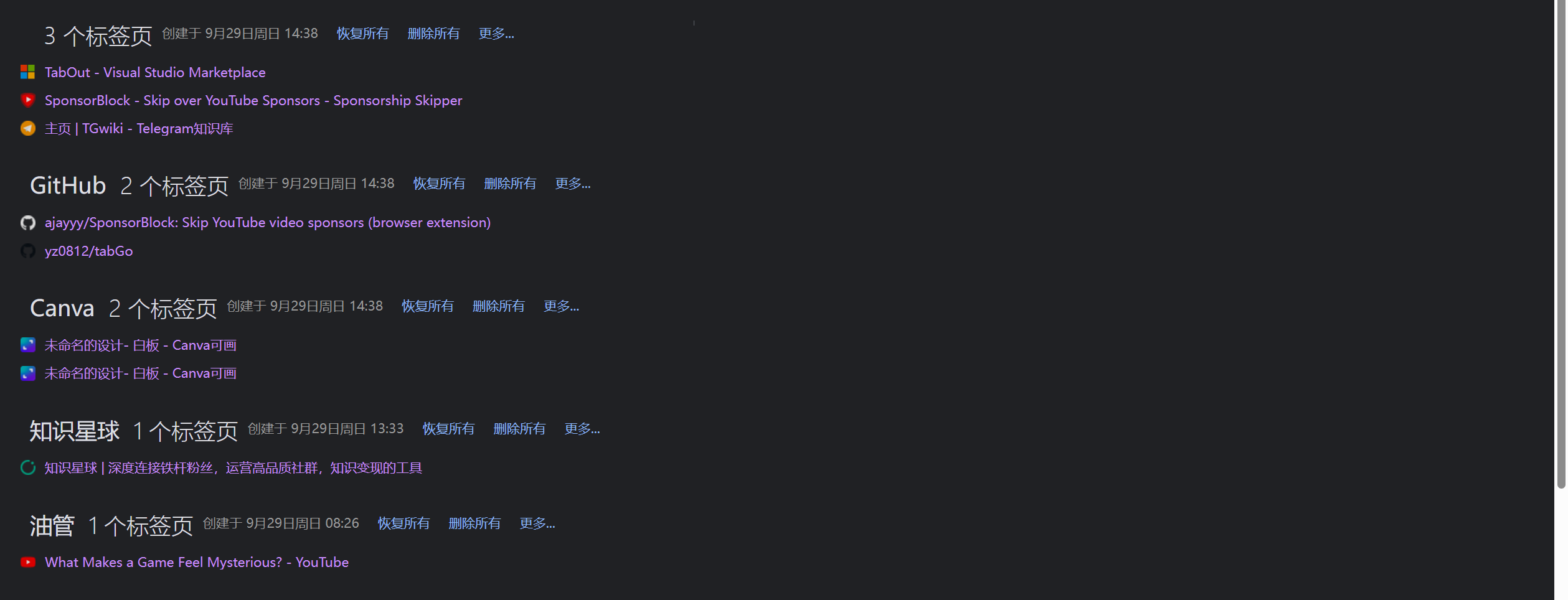
tabGo is a newly developed fresh browser extension that automatically groups tabs by domain.
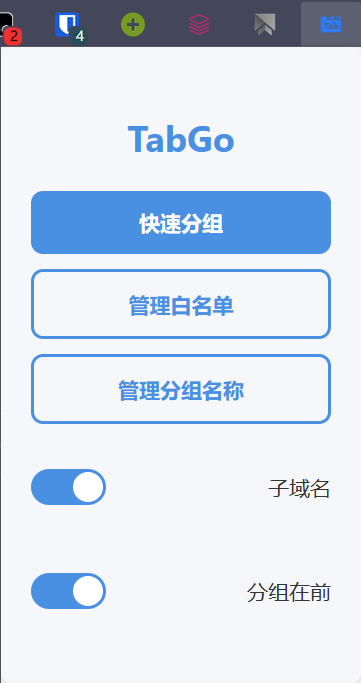
- Supports whitelist
- Supports matching by subdomain or top-level domain
- Supports placing groups at the front
- Supports custom group names
First released on Browser Extension (Auto-Group by Domain IP Address) - Resource Collection - LINUX DO.
I’ve been using it and the experience is quite good. I also added a feature to set custom group names. Combined with the OneTab extension recommended last issue (I’ve since switched to KepTab, which is similar), managing tabs has become very comfortable.
Are You Using Clash?
Online Clash Detection (mikewang000000.github.io)
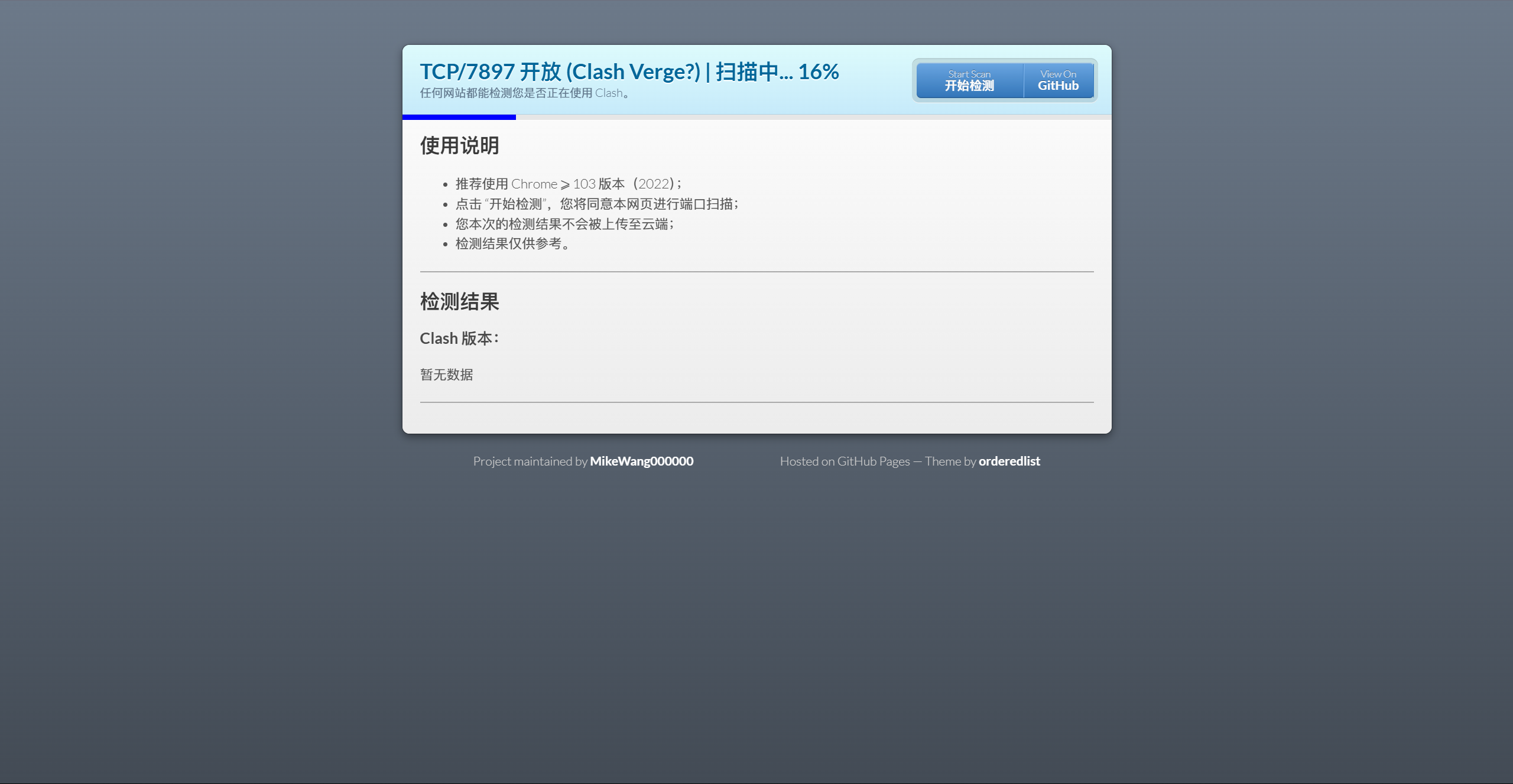
This open-source website can scan your local Clash or other proxy software to check for potential leak risks. If you’re detected, see the V2EX post for details on how to prevent leaks.
If you enjoy my content, feel free to leave a comment—it gives me the motivation to keep writing this weekly. If you have suggestions for this newsletter, your comments are also very welcome!
Thanks ♥️!