Preface
This is the 2nd issue of Seeking Weekly. The feedback on the first issue was quite positive, so I plan to keep sharing.
Unlike the first issue, in addition to the original Resources and Tools sections, I’ve added a new section: Sources. As the saying goes, give a man a fish and you feed him for a day; teach a man to fish and you feed him for a lifetime. Sharing what I consider to be high-quality information sources may prove helpful to readers.
If you have any suggestions for this newsletter, your comments are very welcome!
Sources
If you use Follow, you can try its latest feature: subscribe to my source list. I’ve shared some of my information sources there, including the ones featured in this newsletter.
LatePost: Better late, but better
I believe this platform produces high-quality reporting with considerable depth. The charts and graphics are beautifully crafted.
“Better late, but better.”
Readers can also follow its RSS feed or Bilibili account.
China Fact Check: Verifying rumors on the Chinese internet
China Fact Check | International News Fact-Checking (chinafactcheck.com)
Fact-checks international news rumors circulating on the Chinese internet.

If you’re interested, you can also read the Fact-Checking Handbook compiled by the site to learn basic fact-checking methods and better identify potential misinformation.
The handbook is licensed under CC BY-NC-SA 4.0, and I believe its quality rivals that of some published works.
Resources
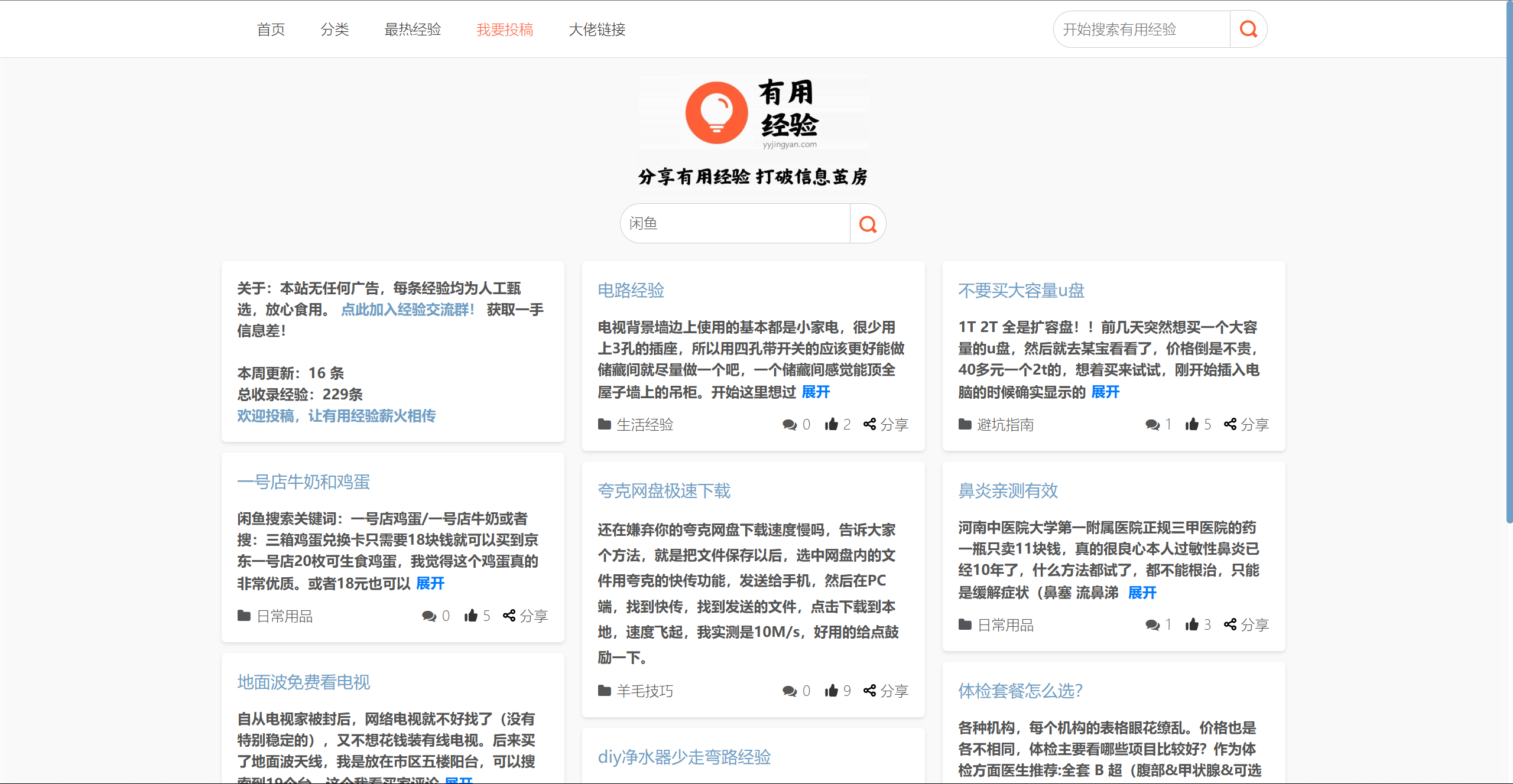
Useful Experience: Tips that might help you someday
Useful Experience is a website for sharing life tips. You can search for life experiences on it, or subscribe to its RSS.
AMiner: An AI-driven research information hub

ML-YouTube-Courses: High-quality machine learning / AI video courses
This document collects a number of high-quality machine learning / AI video courses, organized by category, with a description and link for each course.
Xiaolin’s Illustrated Computer Fundamentals: A great illustrated tutorial
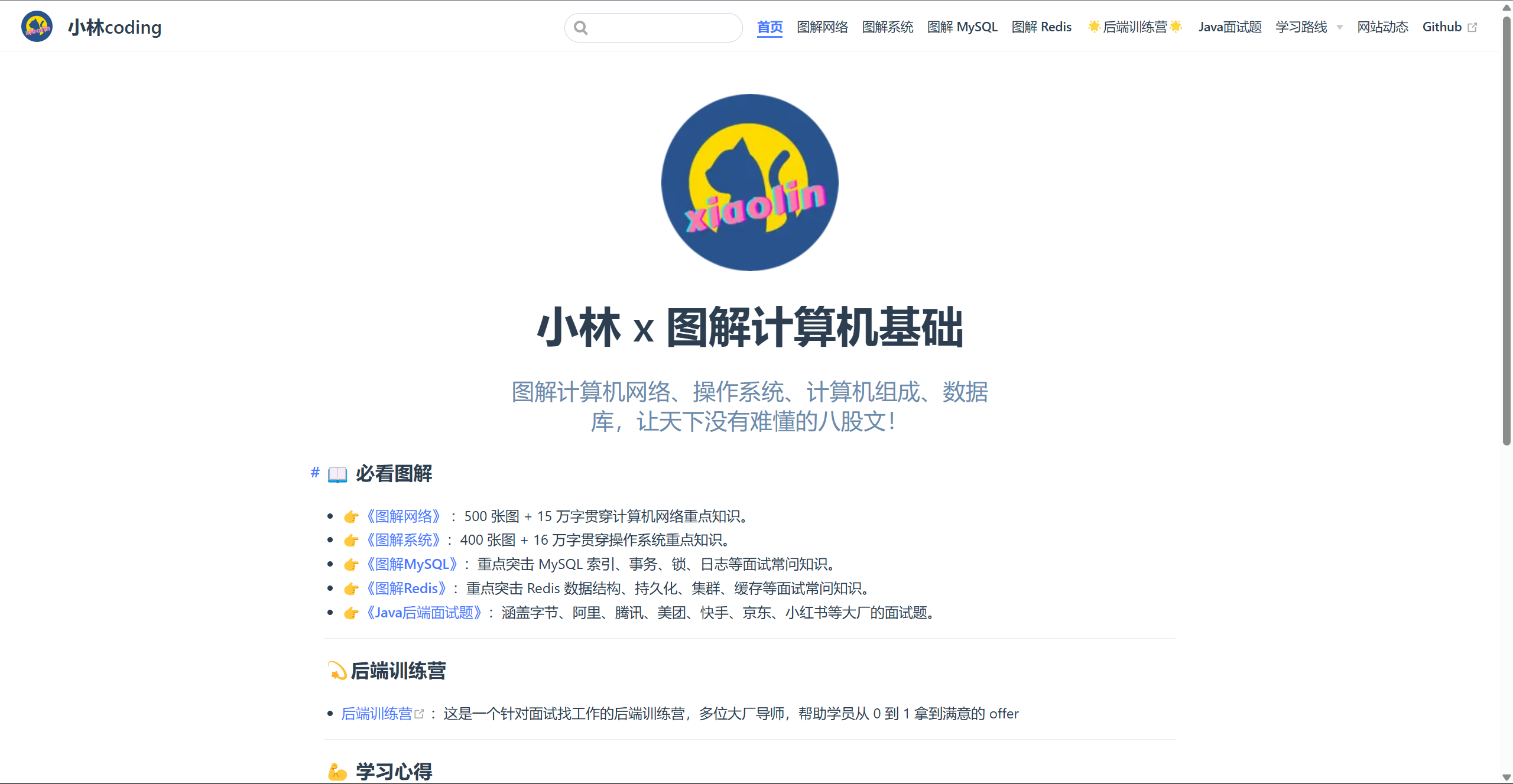
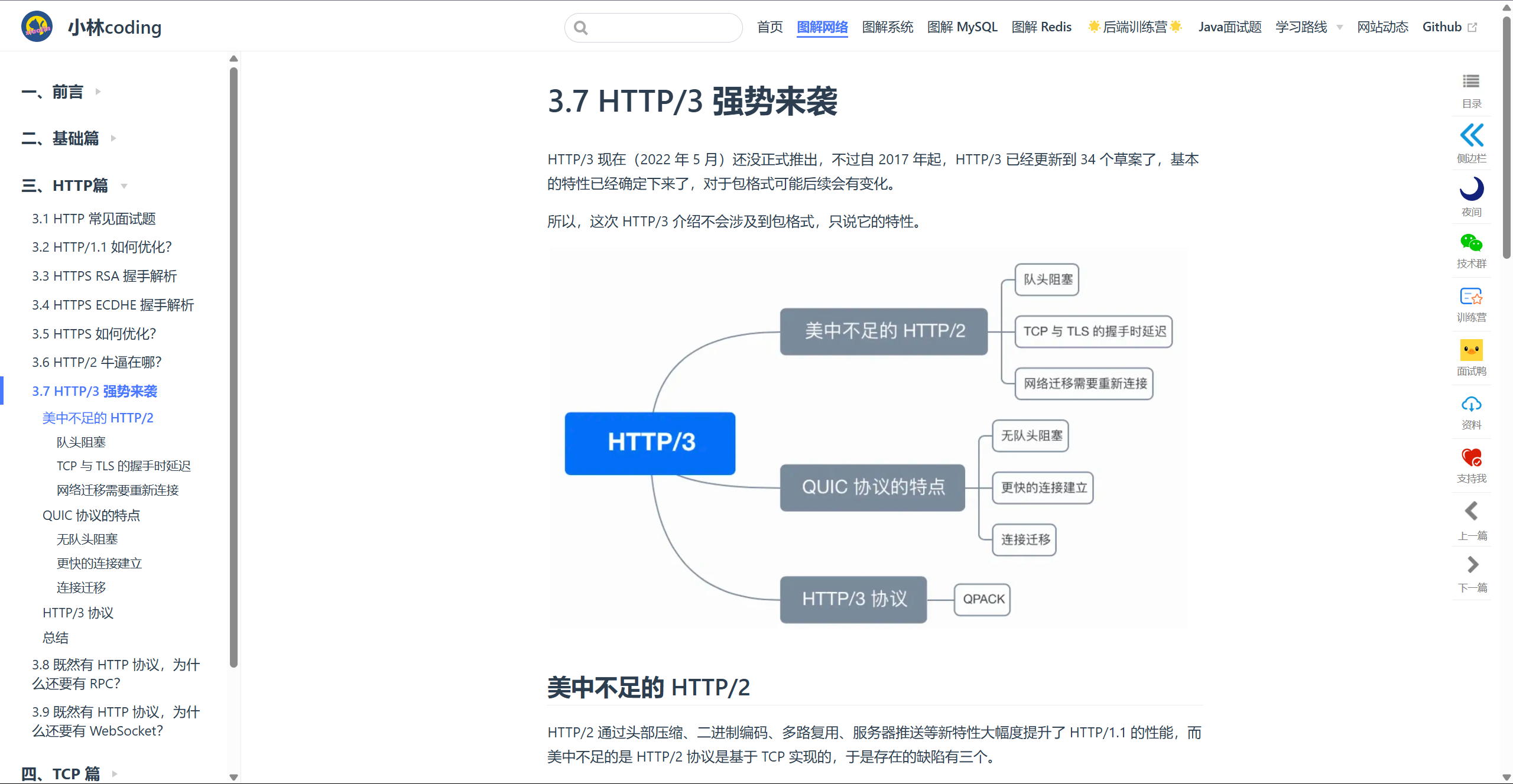
It’s quite friendly to self-learners and those with some foundation, though not much.
You need to follow its WeChat official account to read the full content online / download the PDF.
Tianya Online: Read the legendary posts of yesteryear
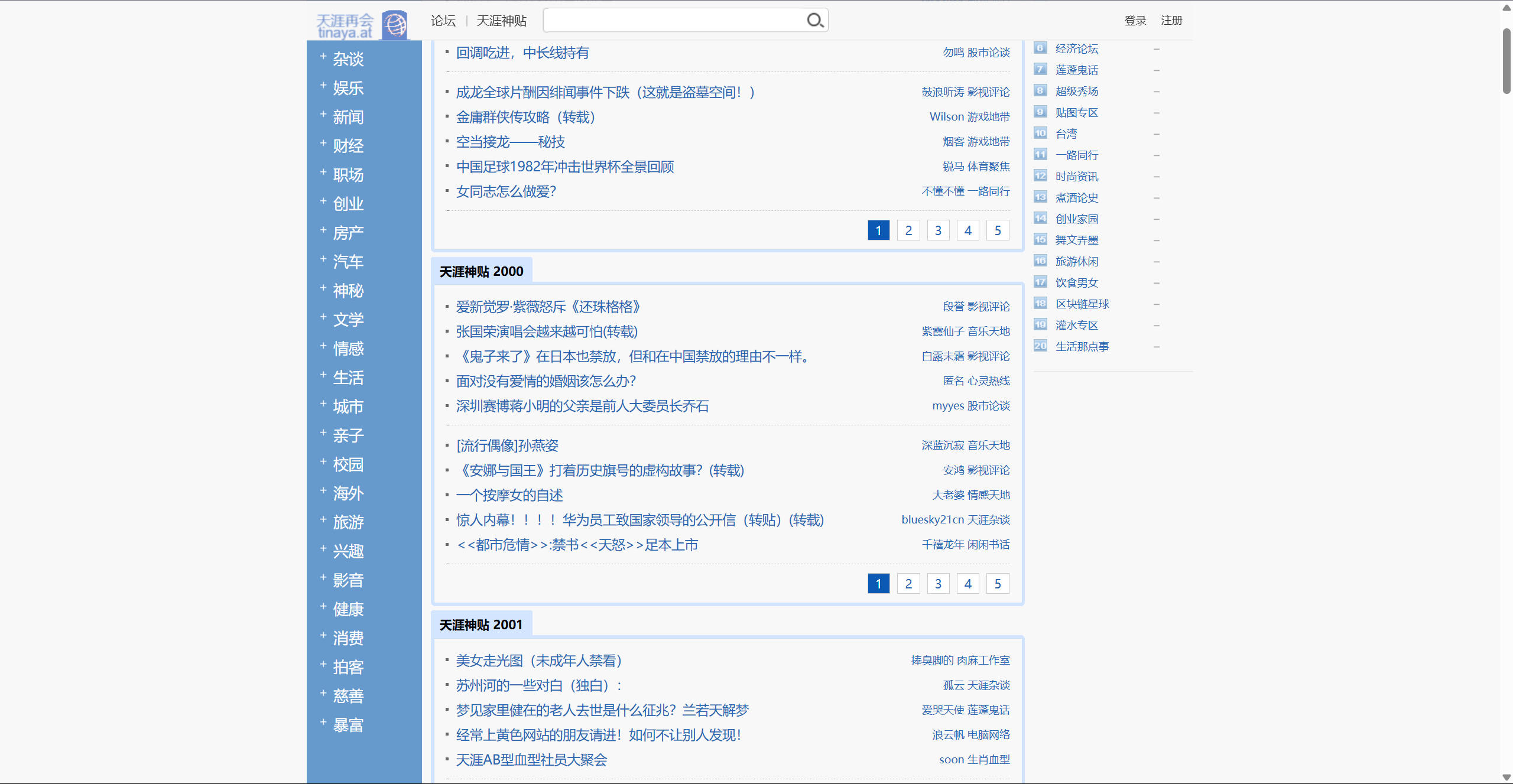
Tianya Legendary Posts - 1999~2024 Annual Rankings - Tianya (tianya.at)
Tools
drawio: An open-source, lightweight yet full-featured diagram editor
Draw.io is a powerful online diagramming tool, widely used to create various types of diagrams such as flowcharts, mind maps, org charts, UML diagrams, and more. It’s open-sourced on GitHub.
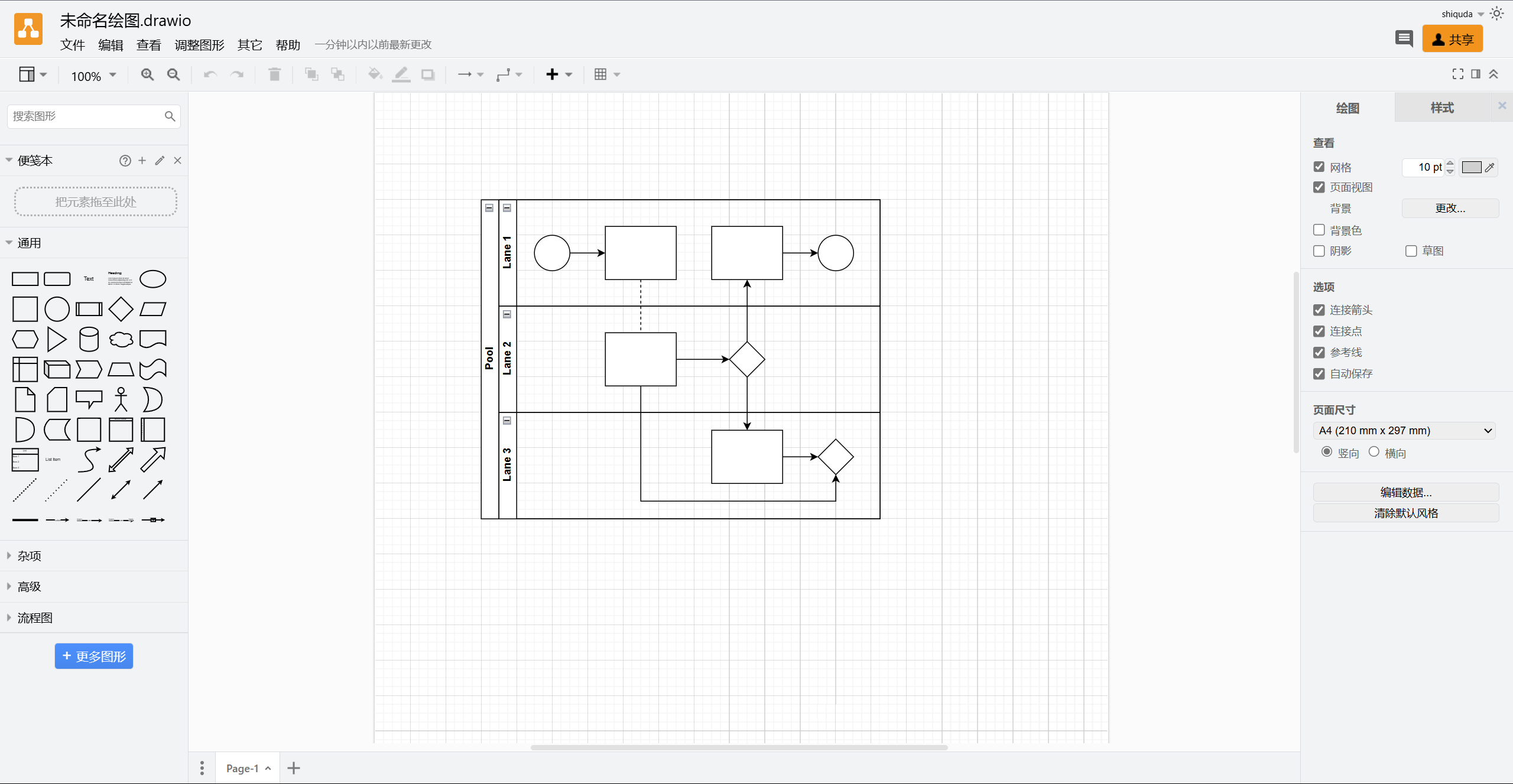
Before I discovered this tool, I used Microsoft Visio or the domestic Processon for flowcharts and architecture diagrams. But the former relies on a bloated client with a poor online editing experience, and while the latter offers a great experience with excellent localization, many of its features require a paid subscription.
drawio perfectly meets my needs: simple to use, feature-rich, and lightweight.
When creating a diagram, you can choose from its many free templates; search the icon library to pick any icon you need; and it also has features like auto-alignment, a delight for perfectionists. 😄
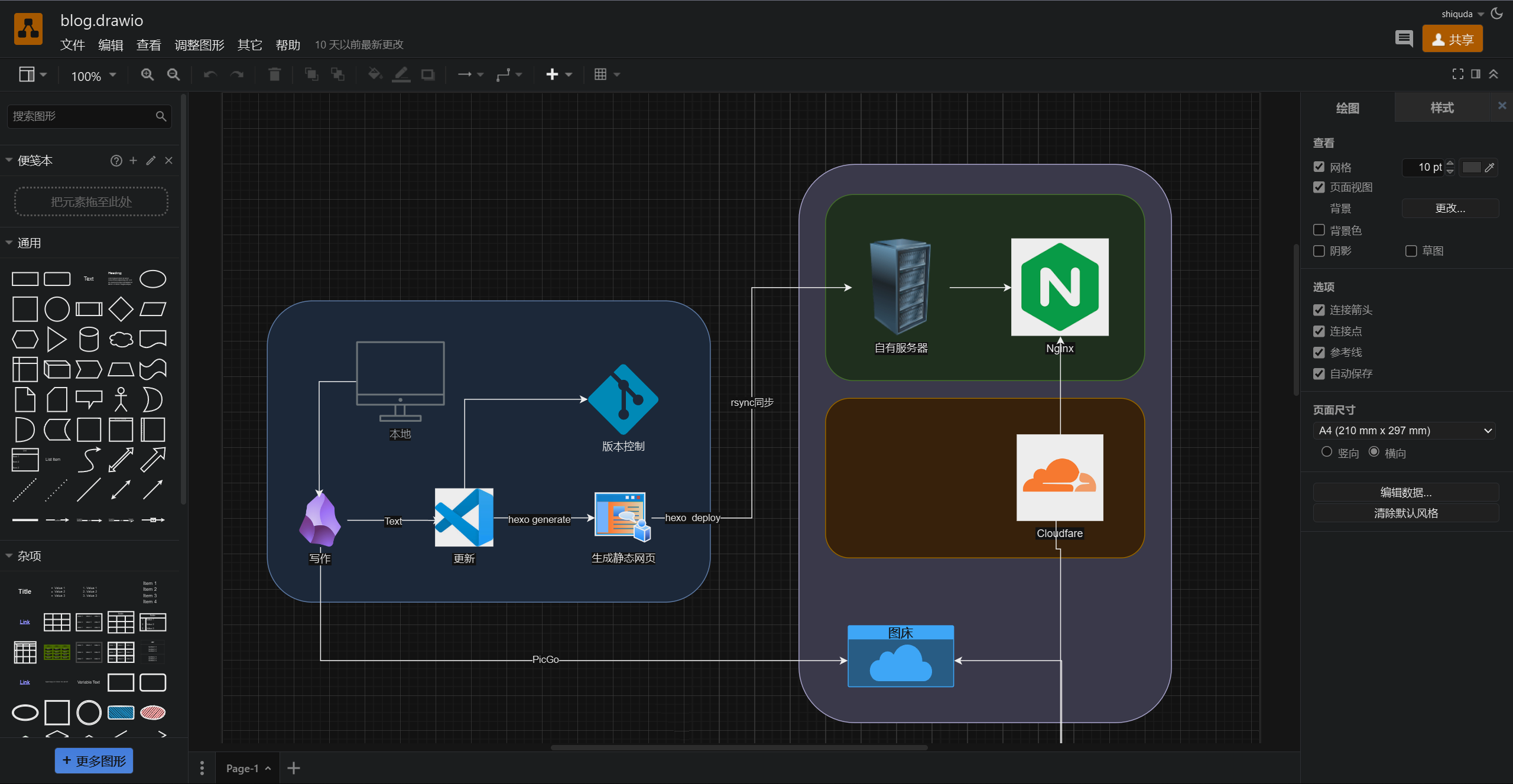
drawio also has many other features, such as saving to cloud drives like Google Drive, and free, watermark-free export to SVG, PDF, and more. If you’re interested, feel free to bookmark it and give it a try when you need it.
Today’s Hot List: Aggregated trending lists from various platforms
Today’s Hot List - All Platform Rankings

This site aggregates trending lists from multiple platforms, and you can select a specific platform to browse.
uBlacklist: Block spam sources in traditional search engines
uBlacklist is a browser extension that helps users block low-quality websites, content farms, and other spam from search engine results.
You can subscribe to blacklist lists:
1 | https://raw.githubusercontent.com/cobaltdisco/Google-Chinese-Results-Blocklist/master/uBlacklist_subscription.txt |
You can also manually add websites you don’t want to see.
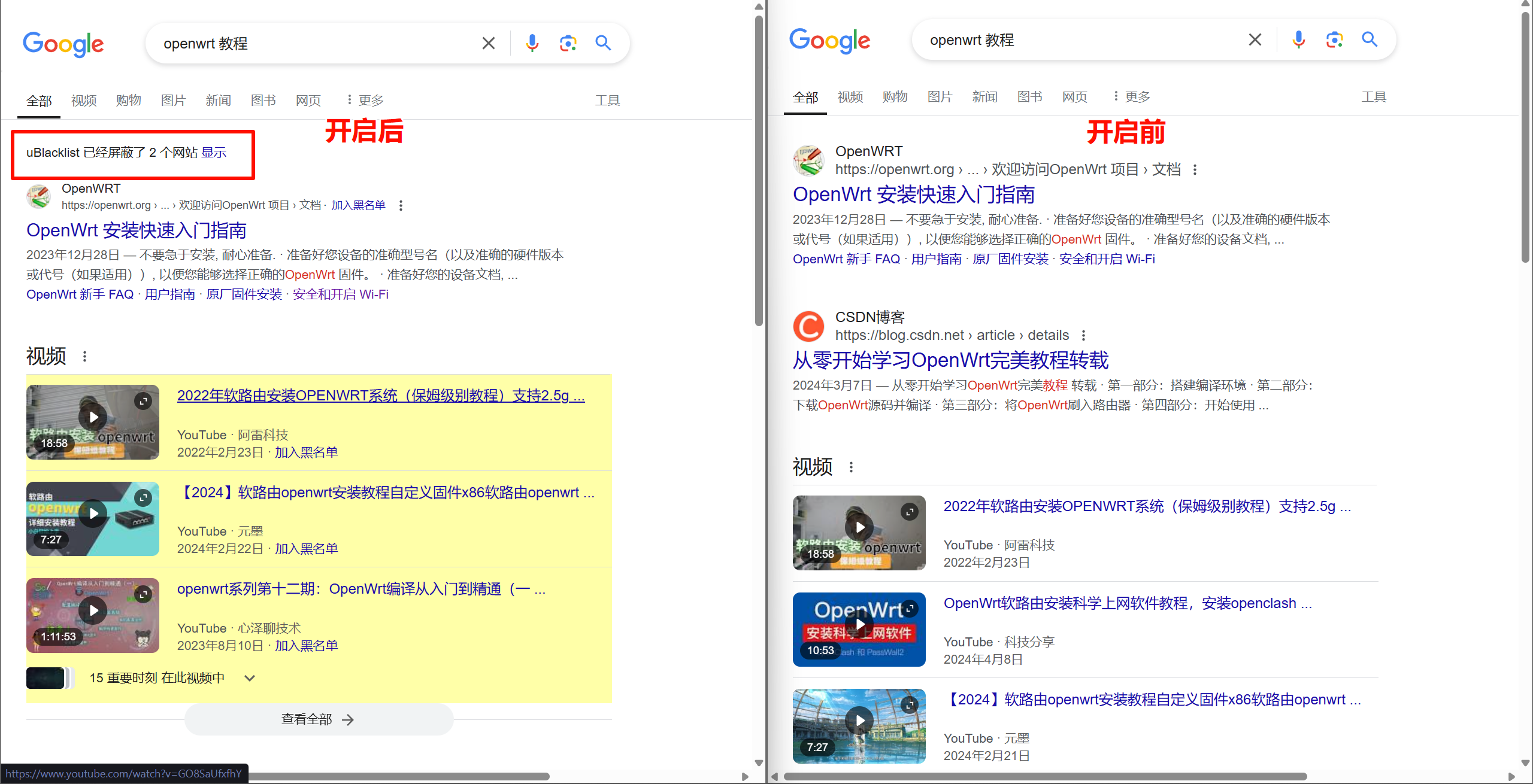
Actually, this extension can do more than that.
You may have noticed the yellow highlighted content on the left side of the page — that’s achieved using the extension’s highlighting feature, which reminds you during searches: this is a high-quality source!
Below are my custom rules, which are fairly basic, for your reference:
1 | *://www.douyin.com/* |
Text Compare: String comparison tool
Text Compare: Real-Time Diff & Merge Tool Online | Free (diffsuite.com)
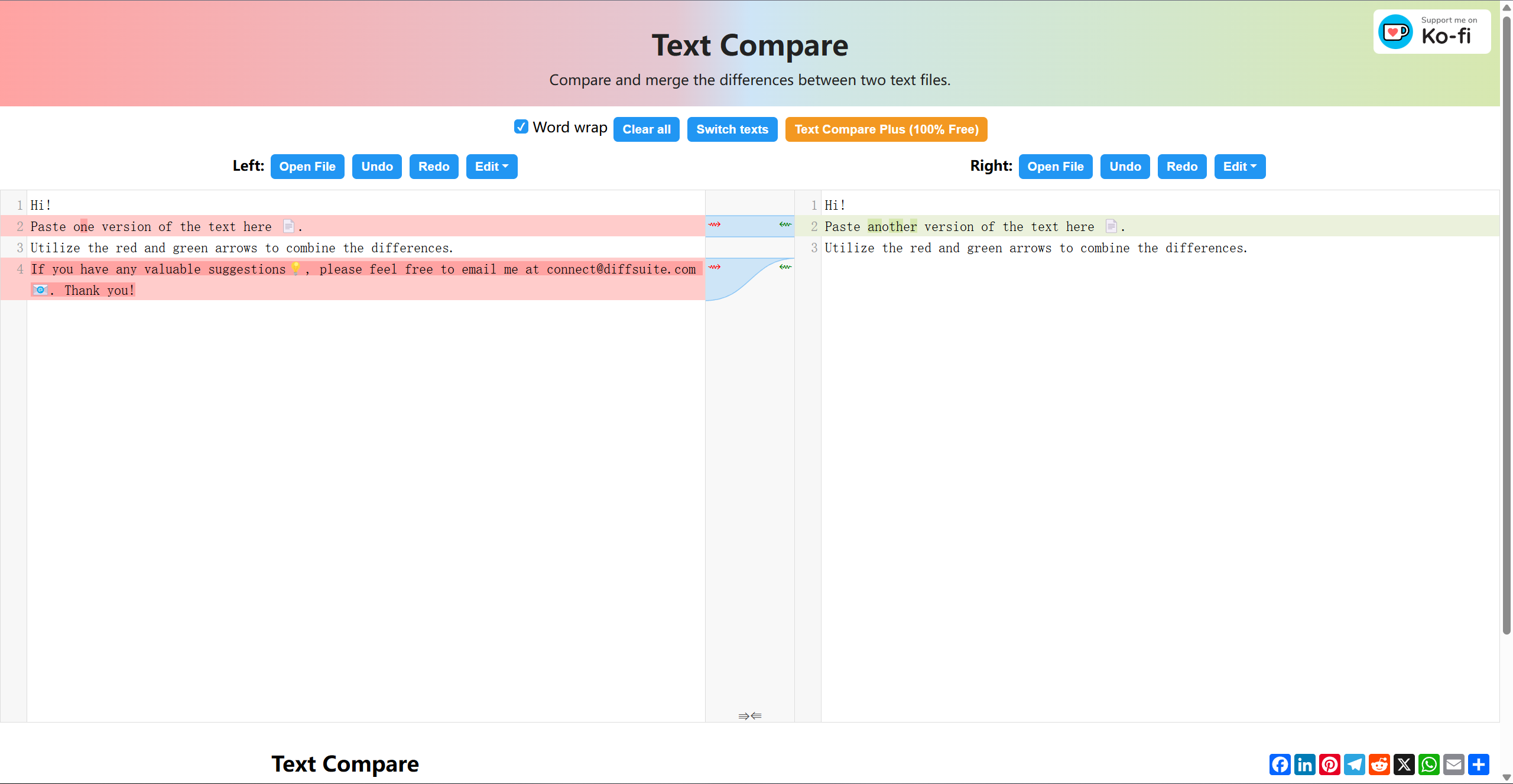
A simple, elegant string comparison tool.
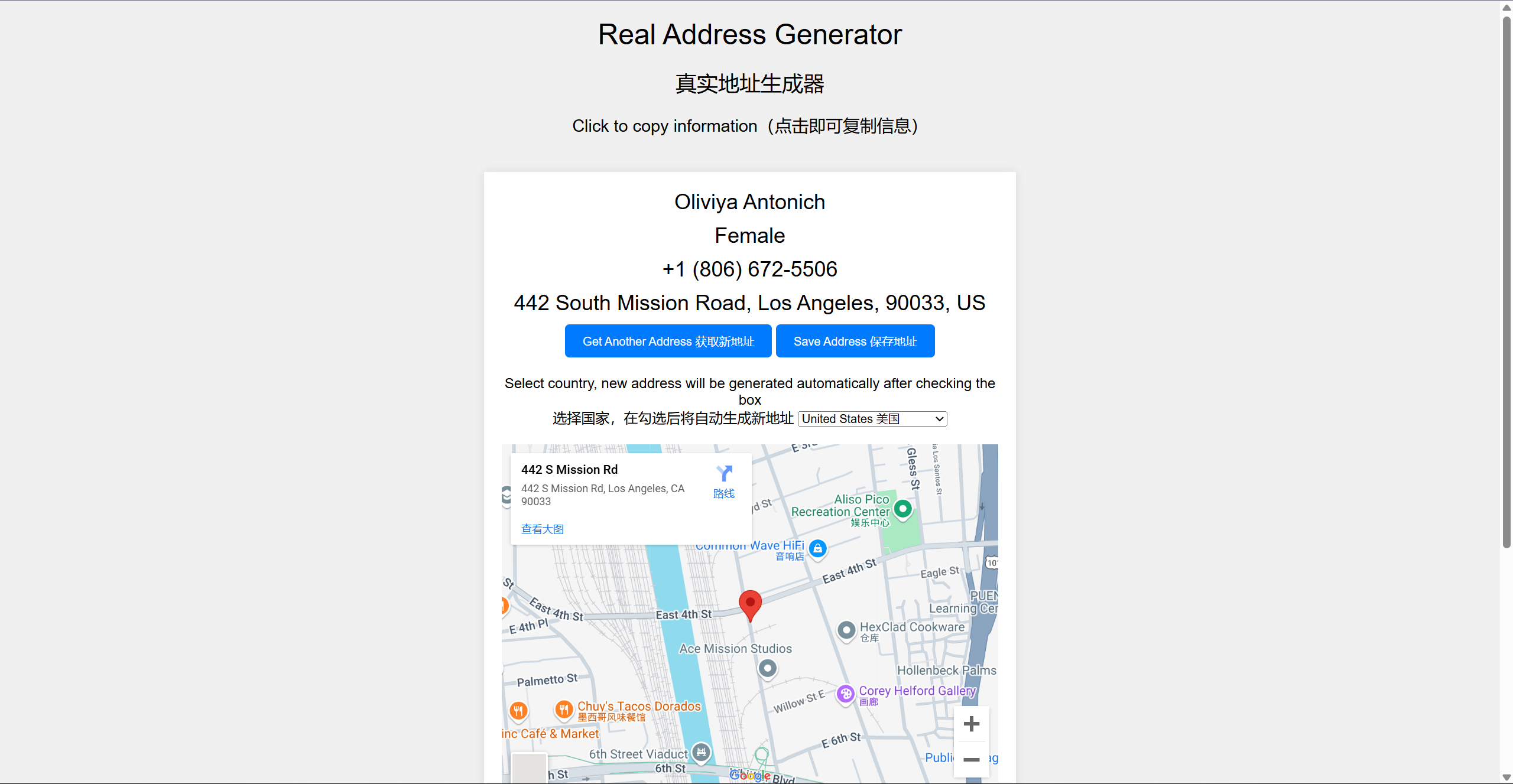
Real Address Generator
Real Address Generator (fuyiran.com)
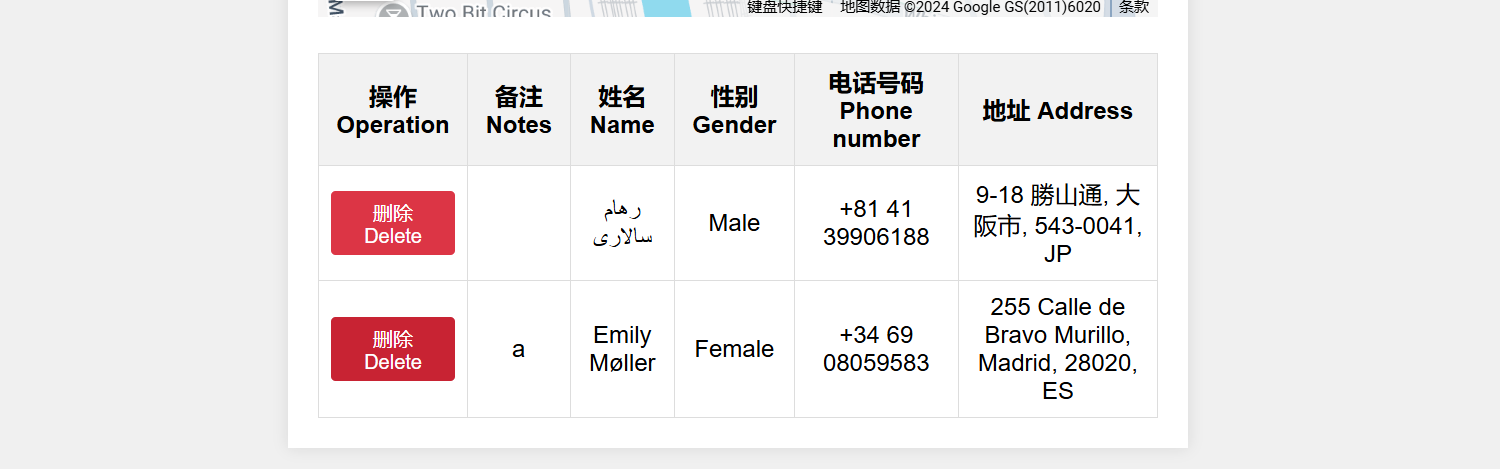
A simple and convenient real address generator. Supports saving the addresses you use.
Open-sourced on GitHub.
Welcome to subscribe to this newsletter’s RSS!
If you enjoy my content, feel free to leave a comment — it motivates me to keep writing this newsletter. If you have any suggestions for this newsletter, your comments are equally welcome!
Thanks ♥️!