Introduction
This is the first issue of Seeking Weekly in its trial run 🎉🎉🎉!
In this age of information overload, finding useful resources is no easy task. Add in the impact of all the AIGC content in recent years, and learning to seek out resources that actually fit your needs from the vast, overwhelming internet has become incredibly important.
Seeking Weekly is dedicated to providing readers with fresh, practical resources and tools, covering the useful and interesting tools the author has come across over the past week, and occasionally a bit of personal bias.
Get the highest quality information in the least amount of time.
Welcome to subscribe to this newsletter’s RSS.
Resources
Recommended YouTube Creators
- Veritasium - YouTube, covering popular science topics like natural sciences and mathematics.
Personally a favorite - Fireship - YouTube, great at introducing computer science knowledge or reporting the latest industry news in just two to three minutes.
- Xiao Lin Shuo - YouTube, an excellent finance blogger who explains complex topics in simple terms.
- Big Think - YouTube, exactly as the name suggests.
- Linus Tech Tips - YouTube, a tech creator.
- Vox - YouTube, explaining the world to you. World, explained.
Dracula: Dark Theme Color Scheme
Dracula — Dark theme for 300+ apps (draculatheme.com)
Dracula is a theme color scheme I’ve been using consistently, and it covers almost every piece of software you could think of.
Here’s what I use it with:
- VSCode
- Obsidian
- Windows Terminal
- Zsh
- Zotero
- GitHub (via Stylus)
- Telegram
- Notepad++
- Discourse theme
- Rime Weasel
- Code highlighting
- ……
It makes my computer feel like one cohesive, unified system visually.

If you’re interested in this theme, head over to the Dracula website to look up the software you commonly use and give the theme a try.
Tools
Cursor: Where AI Meets the IDE
Cursor is a code editor centered around AI-driven features, built on the well-known open-source IDE: VSCode.
After a few days of hands-on experience, my takeaway is that it dramatically improves how efficiently users can leverage AI for development at the IDE level.
Here’s an intro video for Cursor; you can also watch the full video on their website:
You might ask: is this really that different from GitHub Copilot?
Yes. In my view, here’s where it beats Copilot:
- Inline code suggestions (
Tabkey)
The familiar Tab key, but:
- Can generate multi-line code suggestions at once
- Can modify existing code
- Project-aware code generation and suggestions
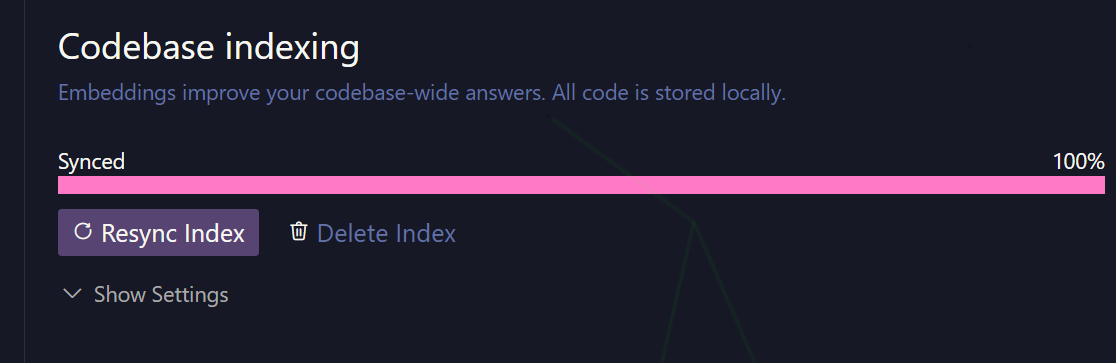
For your entire project, Cursor provides an indexing approach that efficiently extracts information from your local project, feeds it into the Q&A, and improves the accuracy of AI answers and code generation.
- Updating code
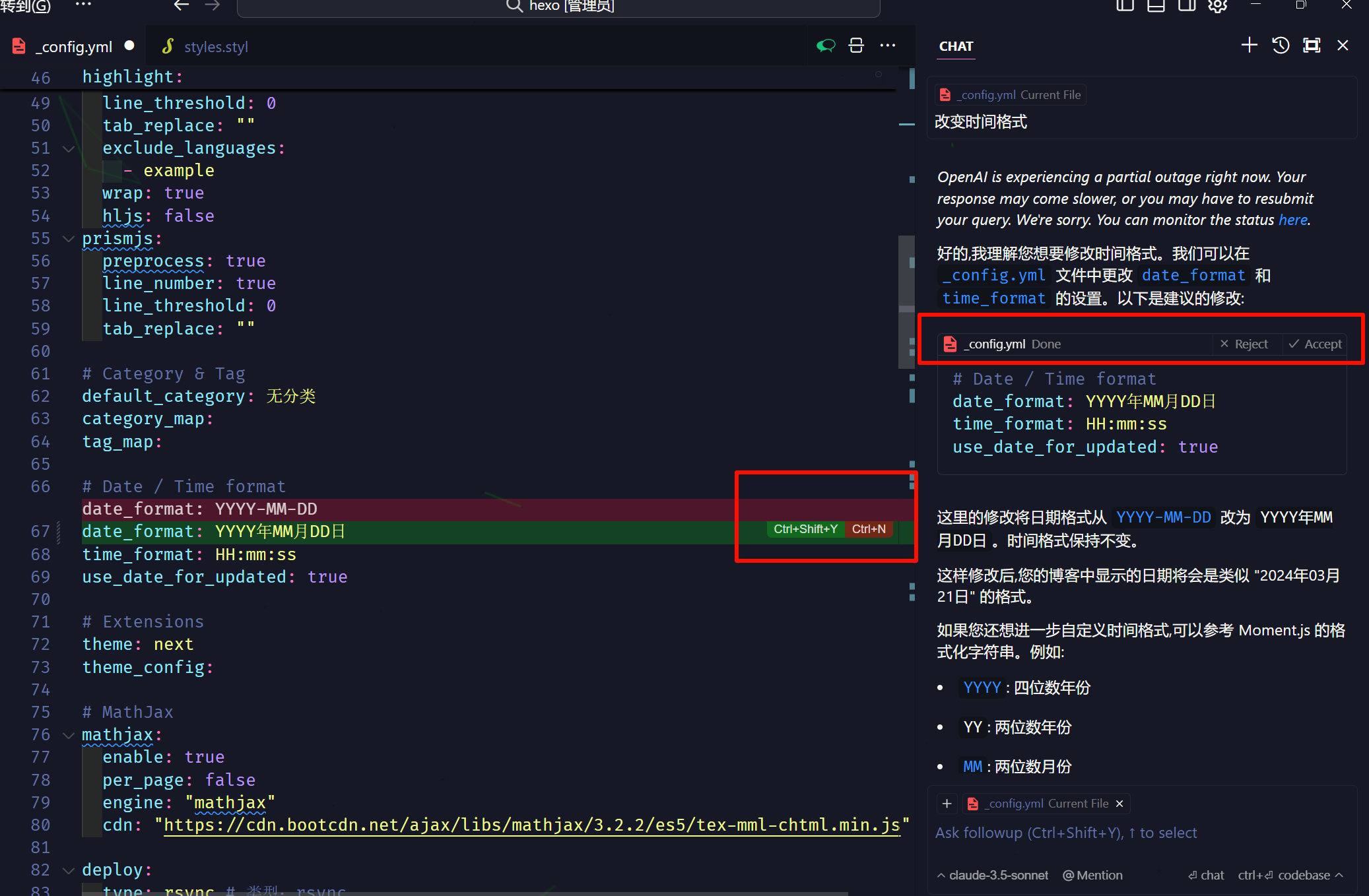
After a Q&A session, if you need to insert code to modify your existing code, Cursor also offers an Apply method that intelligently creates a diff of the changes, letting you accept or reject changes line by line.
Beyond these three points, there are plenty of other practical features. If Cursor piques your interest, give it a try.
No need to worry about a painful learning curve. If you’ve used VSCode before, Cursor can import your plugins and settings with one click, so the transition is seamless.
Cursor currently offers a 15-day free trial with no credit card required—just sign up with your email. It’s $20/month. It also supports OpenAI’s latest o1-mini and o1-preview models. If your trial expires, you can always register with a different email and try it again.
Follow: A Next-Generation Information Browser
Follow is a “next-generation information browser” built by the creator of RSSHub. You can think of it as an online RSS reading platform similar to Feedly.
It has six sections: articles, social media, images, videos, audio, and notifications.
It supports importing OPML files, making it easy to migrate from platforms like Feedly, TTRSS, or other readers. With RSSHub, subscribing to creators across different platforms becomes incredibly simple.
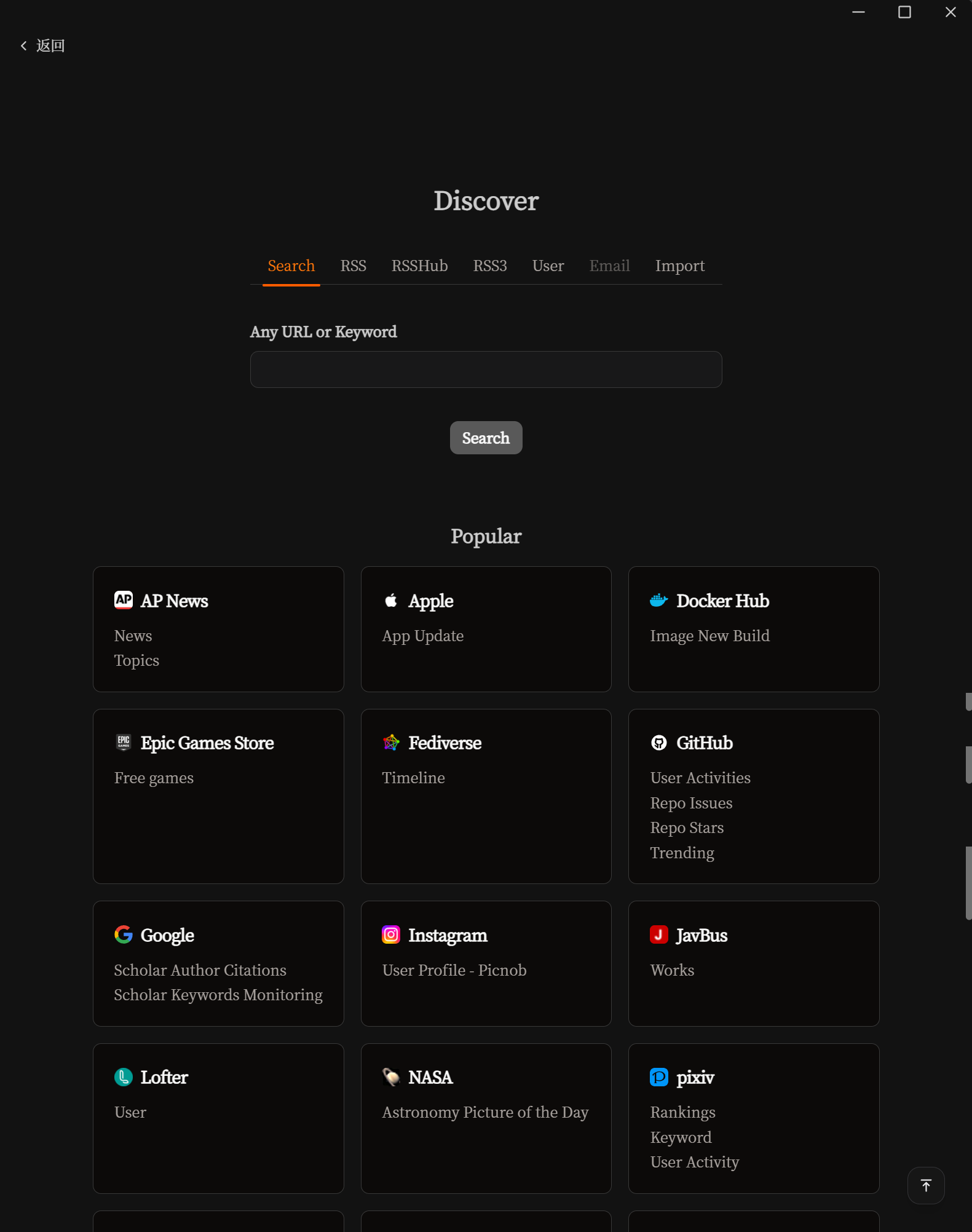
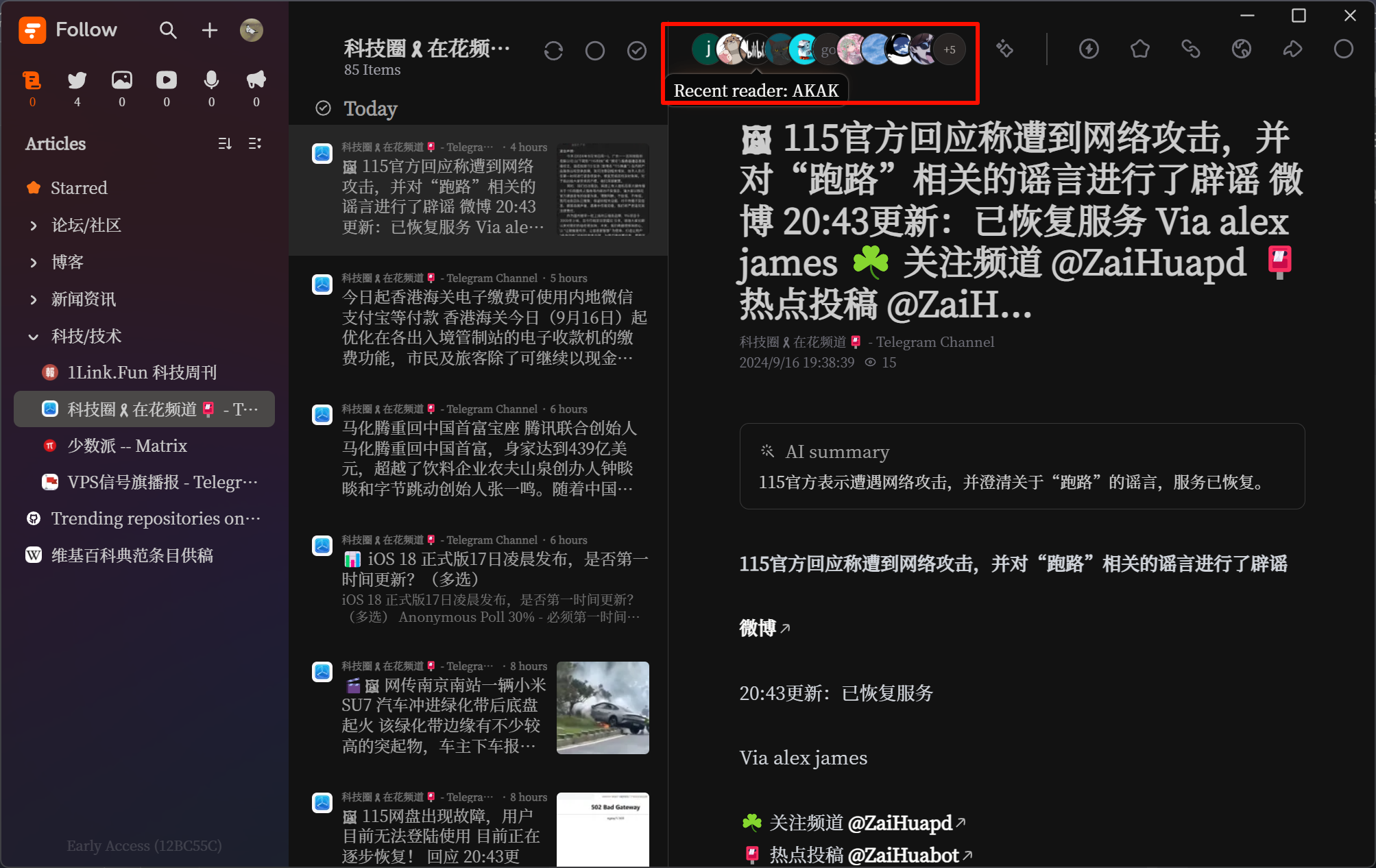
Consolidating resources, escaping filter bubbles, efficiently accessing information, rejecting algorithmic feeds… all the classic RSS advantages go without saying. I believe Follow‘s core strength lies in its community features—you can discover what feeds other public subscribers follow, making it a powerful way to uncover high-quality information sources.

RSSNext/Follow: 🧡 Next generation information browser. (github.com) The GitHub repo has gained a ton of stars over the past few days.
The tool is still in Alpha testing and requires an invite code to access. Users who already have access can check in for 5 days to redeem an invite code, though there’s a cap on invitations.
If you want to try it out, you can lurk in Follow’s Discord server (but codes are hard to grab!). If you’ve previously contributed to the RSSHub project, you can reach out to the author @DIYgod on Twitter to ask for one.
Complexity: A Perplexity Enhancement Extension
Complexity enhances the functionality of Perplexity.
If you haven’t heard of Perplexity, let it introduce itself.
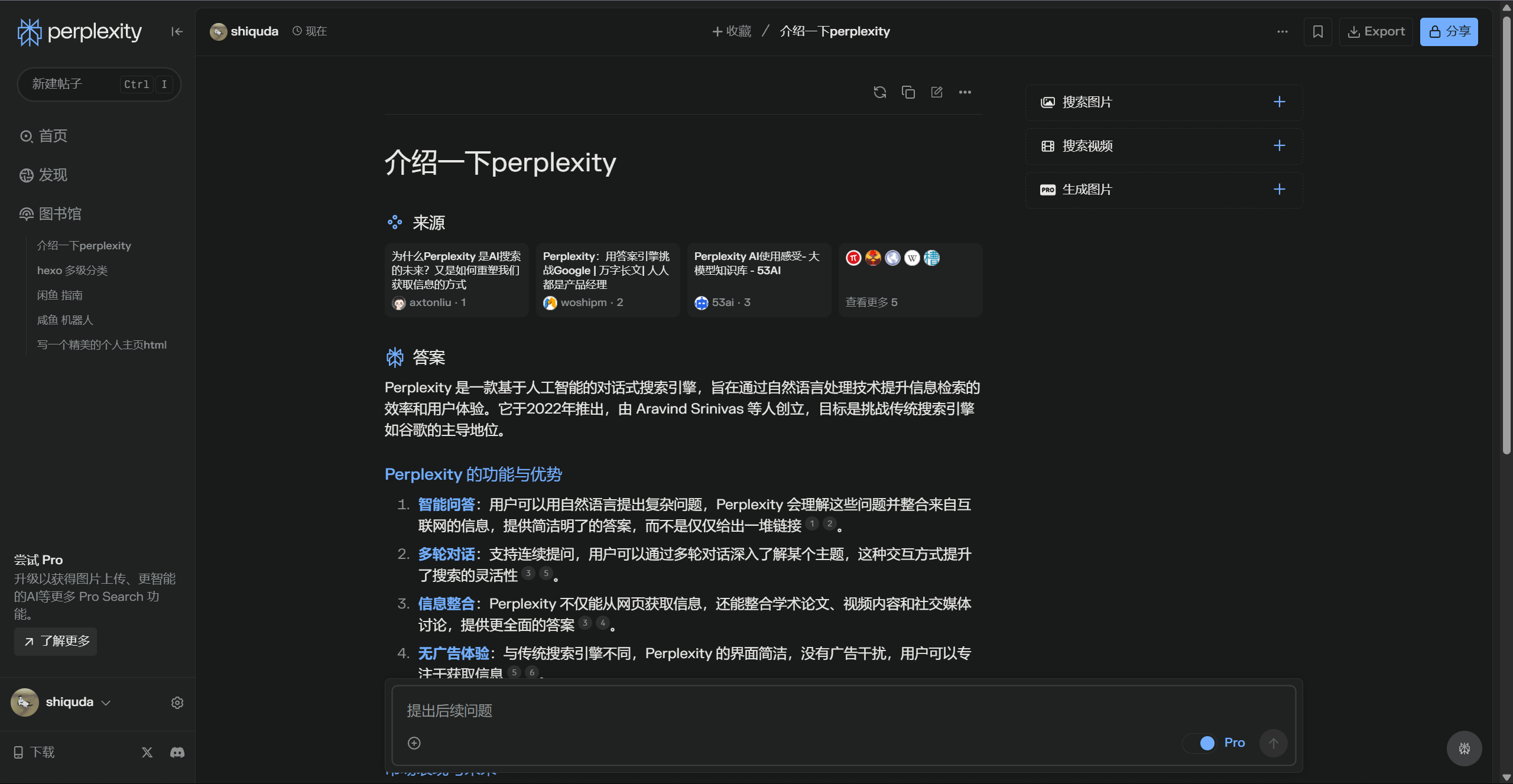
Here are some of Complexity’s features:
- Various UI/UX adjustments.
- LLM/Image gen model selector; export searches/conversations, etc.
- Highly customizable themes (with custom CSS support).
- A dedicated prompt management solution: prompt library (in development).
OneTab: Simple, No-Nonsense Tab Management
OneTab is a browser extension for managing tabs.
When browsing, you often run into this situation:
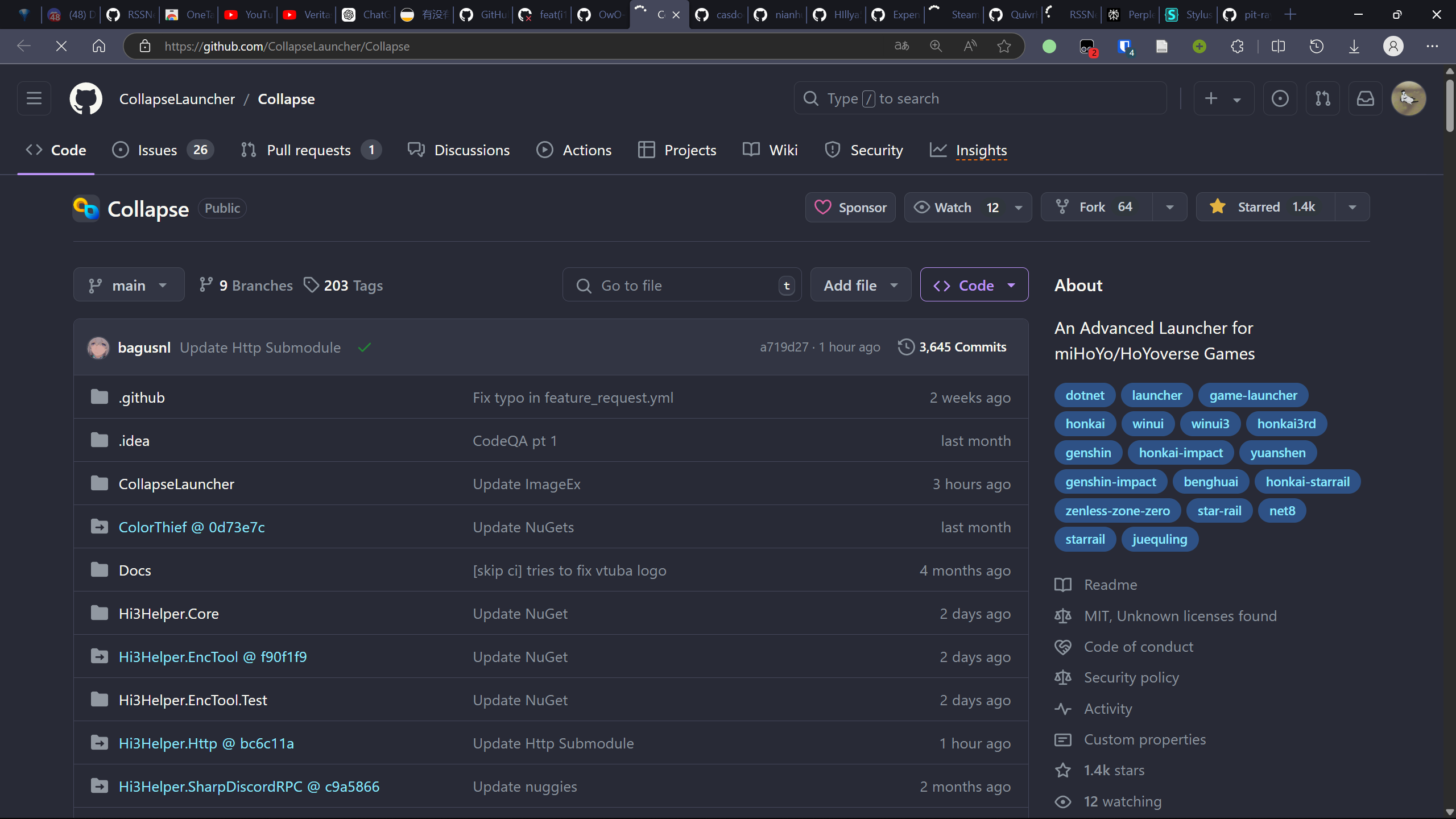
Too many tabs, eating up a lot of memory. Some tabs you want to close, some you want to keep, and others you want to save for later. What to do?
The simple, no-nonsense solution: use OneTab to tuck them all away with one click, and save memory in the process.

One click, and all your tabs are closed, leaving just One Tab.
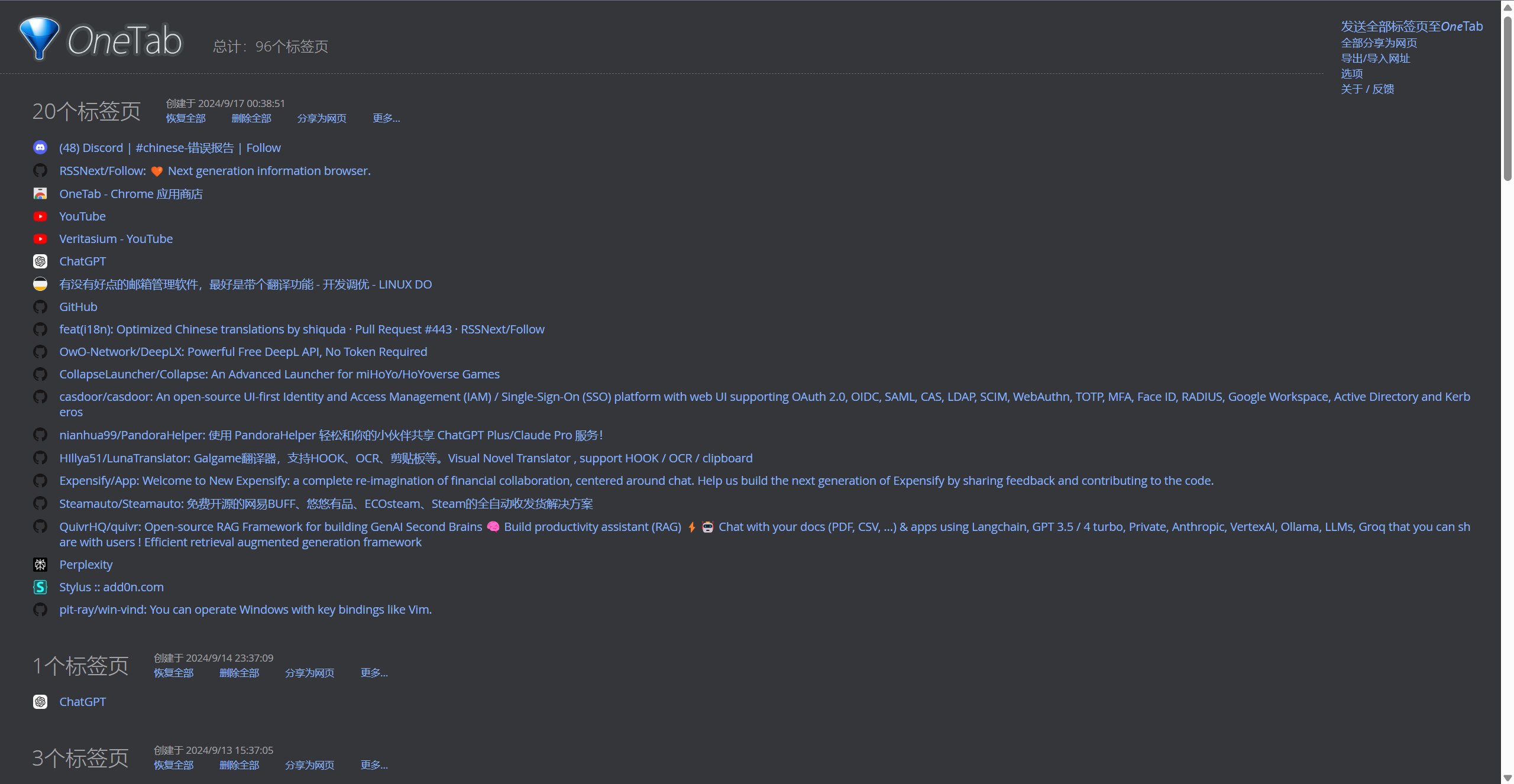
In this panel, you can clearly see which tabs to keep for later and which are useless. Not sure? No problem—leave them in the panel and come back to open them next time.
Afterword
This is my first time writing in this format: a weekly newsletter. I believe I have a knack for discovering quality information and resources, but that ability has only helped a very limited number of people over the past while.
If you enjoy my content, feel free to leave a comment below—it gives me more motivation to keep writing. And if you have any suggestions, please don’t hesitate to share them.